
Silent Film
-
Posts
298 -
Joined
-
Last visited
Content Type
Profiles
Forums
Events
Everything posted by Silent Film
-

Game crashes every time after the newest update
Silent Film replied to Silent Film's topic in Game Crash
Sure, it is my regular training mission, I've got one copy for each jet. But in all my missions, I've got some tanks that I don't want to shoot ground units. I haven't tried that shoot at zone option, if that zone can be very small, then I might try it, although it's a pain in the butt to modify all tanks and add zones in all missions. CAUCASUS MiG-29 hot start MORNING.miz -
Game crashes every time after the newest update
Silent Film replied to Silent Film's topic in Game Crash
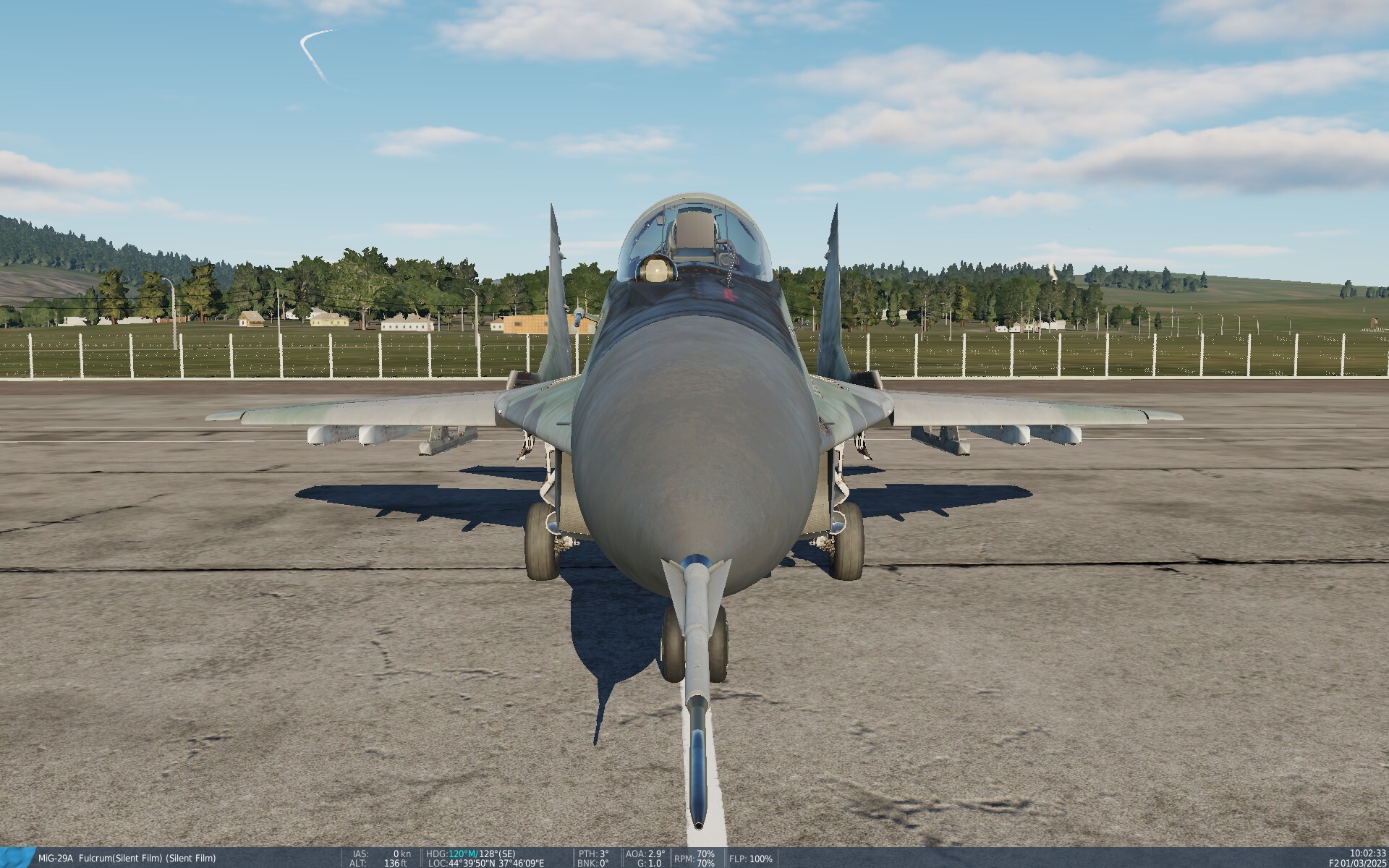
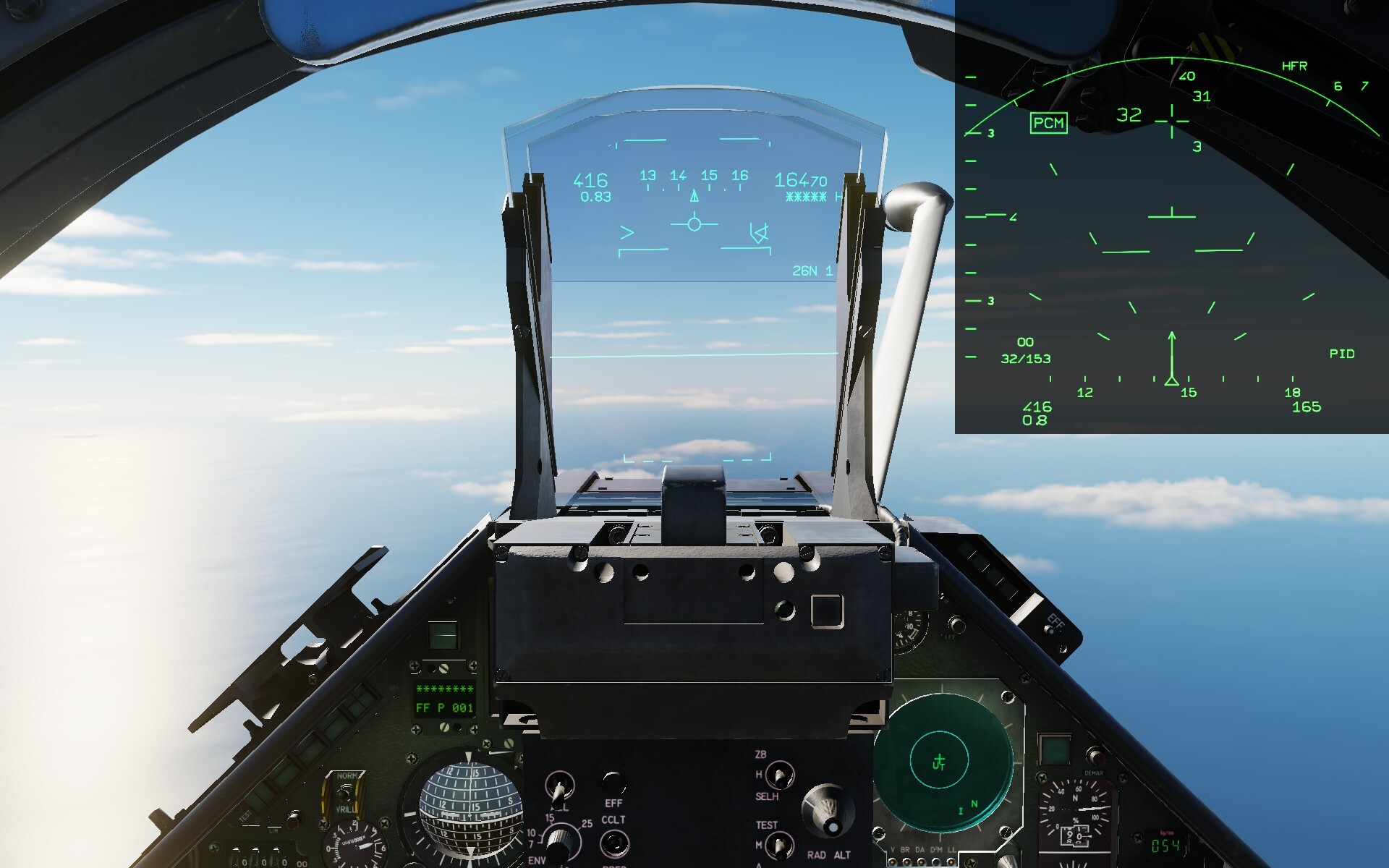
Yes, I have made the mission. I have set enemy tanks not to fire at ground units, but it seems it only means they've got zero shells, because there is no dedicated command which would say "don't shoot at ground units". When I set them to have some shells, now the mission works, but they immedietaly fire shells at my ground units, like JTAC, and destroy them. I need some tanks not to shoot at ground units, so my missions are not fully playable right now. Also, I have encountered with a minor glitch with the new MiG-29A Fulcrum. When it is on the ground, the HUD is of solid color instead of being transparent.
-
I launch the game, start a single player mission with the new MiG-29A Fulcrum in the Caucasus map, the map loads, then the aircraft starts loading, and at Spawn Objects, the game crashes to desktop, three times in a row. dcs.log-20251129-071513.zip dcs.log-20251129-080350.zip dcs.log-20251129-081414.zip
-
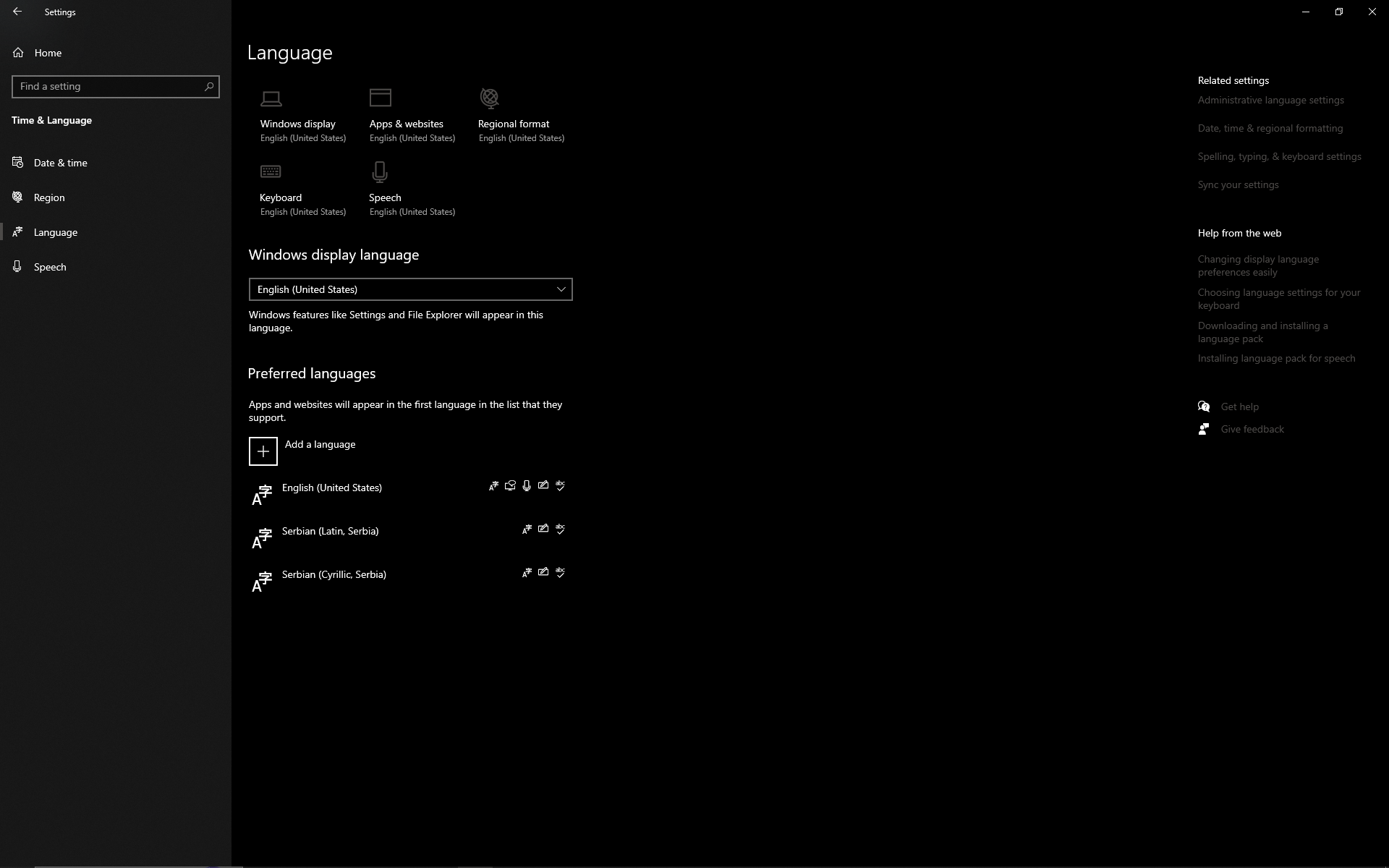
Thank you, it is called Score Window. I have set all languages to English (United States) as far as I know.
-
Since Windows 10 is no longer receiving updates, I have decided at least to update all drivers that I can, so to keep up to date as possible. I don't know what you mean by multiple keyboard types/languages. I have three languages in Windows Language preferences that I use, but those have different letters at keys like [ ] ' \. But what is worse now, I can't roll back the driver, it seems that I have accidentally deleted the backup of the driver when I performed a disk cleanup. Nevermind, I have set different boundings in DCS for the keys in question. I only didn't find for ' what is it called, it is debriefing during the mission, which shows all mission events that had occured since the mission start, so if someone knows I would appreciate it.
-
Well I mentioned already that all the keys are as they should be in Notepad and in browser, only in DCS six of them are showing differently.
-
I have tested all keys in DCS, and found six that are showing differently. ` is showing as Kanji = is showing as Prev [ is showing as AT ] is showing as [ ' is showing as : \ is showing as ] My keyboard is Logitech K280e, but it seems like DCS now after the driver update recognizes it as something else.
-
I have figured out what is happening. After I have updated my keyboard driver, now DCS won't fully recognize my keyboard layout. It will recognize almost all keys, but some special characters are different. For example, "\" key on my keyboard shows as "]" in DCS, or "'" shows as ":". But when I type in Notepad, or in browser, all keys are showing as they should. I don't know is there any way I could fix this in DCS, or I need to do driver rollback.
-
Communication Menu won't open with "\". I have run full repair, but it's the same. The "\" key works for typing. I have updated my keyboard driver today, maybe that could cause some issues, but why would it only make problems with DCS?
-
Thank you OnReTech for adding the Tivat Airport in Montenegro! I would also want to give one more voice for the Vršac Airport in Serbia. It is famous for the JAT (Yugoslav Airlines) Pilot Academy, which trained more than 2000 pilots from 30 different countries. It also hosts air shows every so often.
-
Yes, Vrsac is a very important airport because of the famous pilot school. I think Vrsac in Serbia and Tivat in Montenegro are landmarks that have to be added for the Balkans map to be complete and have integrity.
-
Pulled 13 G, lol, with around 25% of fuel.
-
use wish list for desired features DCS: Balkans Updates
Silent Film replied to OnReTech's topic in DCS: Balkans
I would suggest few corrections of the airport names in Serbia. "Pukovnik" - it is called "Pukovnik-pilot Milenko Pavlovic" since 2019, but before and during the 1980s and 1990s it was called "Batajnica", so it would be more appropriate to use that name for this Balkans map. "Belgrad" should be "Beograd". "Morava" is the name for the civilian terminal of the airport, but the military part of the airport is called "Ladjevci". This is actually the first time I see it is also called "Morava", I know it whole my life as "Ladjevci". -
Thank you so much for the Balkans map! I think Tivat Airport in Montenegro should also be included. It is a small civilian airport in Boka Kotorska bay, but very important. Whenever you fly to Montenegro for summer holiday, you land at Tivat. It should be easy to do. https://en.wikipedia.org/wiki/Tivat_Airport Landing from north-west, with beautiful view on Boka Kotorska bay. And from south-east.
-
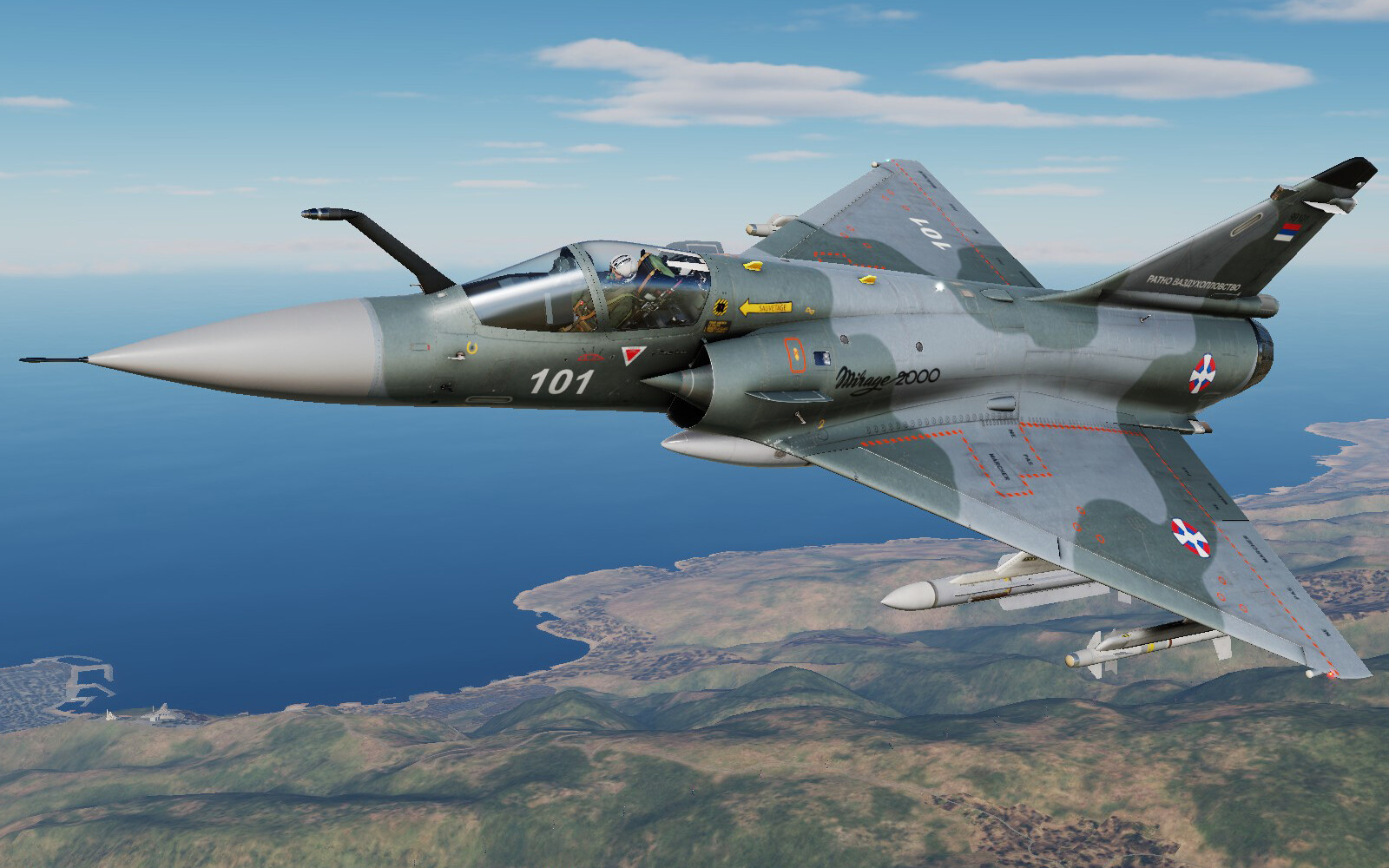
Thank you so much for the Balkans map, you made me really joyful, I will be finally able to fly over my country and truly experience DCS as a flight simulator. I was using the Syria map the most because it was closest to the Balkan vibe, now I will finally be able to use the map which means something to me. Buying as soon as it is possible to purchase. Tha map will be awesome, especially for the Croatian Adriatic coast with hundreds of islands, and also not to forget Boka Kotorska bay in Montenegro. We now definitely must have some Yugoslavian and Serbian liveries for MiG-29. And the map is even more appropriate for WWII scenarios.
-
The next paint scheme. How much does it cost to make one livery, when users are doing it for free.
-
If you could please remove this dark square on the VTB Repeater, like it was in the beginning, this way it blocks the vision. Otherwise, it would be awesome to use it all the time for situational awareness. Also a small bug, it works even without the Sun Visor.
-
I have tried GBU-16s on the Syria Map. Cleansed airborne targets first. Then I managed to hit a tiny AAA, which is fabulous that Jester managed to spot it, and everything looked good. But when I tried to hit a tank, and to select QHUD mode once again, I now got a different issue, the LANTIRN targeting pod went crazy looking everywhere around in the AREA mode, and couldn't swich to QHUD. Maybe it was just a small glitch. The flight was too long for posting a track. I want to share my Syria mission, it's like a battle for Tripoli, but a scenario of very limited intensity. But there are all kinds of targets included. You can decide to wait for the enemy planes to take off, or to destroy them on the ground if you don't want a dogfight. There are fighters, attackers, tanks on the front line in the city on both sides of the river, etc. It provides a solid two hours of flying. (Contains WWII Assets Pack too.) SYRIA F-14 hot start.miz
-
Oh, I think the ship could actually be WWII.
-
Yes, I also believe Jester is too obsessed with nails while we are doing air to ground. I should place ground targets somewhere furher away. I have also noticed that if I cut the throttle and fly with lowest speed, Jester is better at finding targets because he has more time to spot them I guess. But targeting pod keeps disconnecting and connecting at random, why would airborne targets be impacting it when we are in air to ground mode. I've got another, longer video of 28 minutes from today, I managed to hit a ship, but then circling around the tanks while targeting pod keeps disconnecting and connecting again, then one miss because the bomb didn't track, and finally in the end I managed to hit a tank. F-14B.trk
-
That is a false warning, you should ignore it, there are no WWII Assets Pack items on the map.
-
This one from today. I took off with two GBU-10s. Successfully hit the ship. Then went for the tank column. Everything went fine, Jester assigned a tank as a target. But after the "ten seconds" warning, the targeting pod just disconnected, and I got the TV camera instead. Maybe I was too fast for Jester, I don't know. F-14B.trk
-
I have made some track, it is 20 minutes short. First, I hit a ship with two GBUs in two passes. QHUD mode was set by default, I have selected option 1 search any target. Then I go for a tank column. Everything looks normal. But, when I say Jester to search for targets and option 1 any target, VDI switches to TV camera. I go around for another pass. Select GBUs, tell Jester to search for any target, and I get TV camera again. In the third pass, I tell Jester to search for moving targets option 2, and I have the targeting pod mode on my VDI until I reach the tank column, but Jester doesn't select targets. F-14B.trk
-
I meant I want to control the TID, but it's probably impossible, and if it is so, at least I want to see all of the aircraft in the air, and not just what Jester selects and shows me. Probably notches or so, but it happens too often as it's AI not human player, I thought Tomcat radar should have been more powerful. For the next target I just don't get the targeting pod screen on the VDI, and there are no targeting options for Jester shown in his menu. I will try to make a track.
-
I love the F-14B Tomcat. The only thing that drives me off a bit is that I can't control the radar from the front seat, and I can only see what Jester is showing me. Is there any way I can at least force Jester to be showing me the complete radar situation on my radar display at all times? I have noticed, Jester shows me an aerial target from 60 NM or so, and when the target gets closer to like 30 NM, it just disappears. Why is it so, is there a reason, or it is a glitch? But that happens all the time. When I want to use laser guided GBUs, I can do it once after the take off, but when I hit the target, there is no targeting screen for the GBUs anymore, just regular camera. How to bring back that GBU targeting screen again for another target?