Chewmann
-
Posts
253 -
Joined
-
Last visited
Content Type
Profiles
Forums
Events
Everything posted by Chewmann
-
 I’m having an issue trying to figure out how to do this. My idea was to set this button up similar to the ALR-67 buttons @ctytler's tutorial did. I can get the DISCH to illuminate when I press the button (easy), but the issue is there are 3 states that can illuminate the READY. However there is only 1 state/argument to look for to change the title text on DCS update setting. Is it possible to make it look for three; left engine fire, right engine fire, and APU fire? Another thought just occurred to me, how do I test this? How do I start fires in my engines and APU.? And what are the “light” ID numbers? Damn this one is hard…
 -
an F 4 U an F 4 U Yes an F 4 U Then I can wish you a Merry Christmas!
-
I have all the current maps, but my buddy only has the Caucus and Marianas. If I create a mission on the Nevada map, can he play on it or does he need to purchase it?
-
Figured it out. I had to hit the PAUSE/BREAK key on my keyboard. My buddy and I had a great session. No issues once we figured out the pause stuff. Thanks for all the help.
-
I am able to login to my game, get in my jet and then…I can’t do anything other than look around and hit the function keys (e.g. F2 for outside views of my jet and the tanker I added for the mission). I can’t have any interaction with switches, joystick, etc.. Is this because my friend isn’t in the mission yet as I was only testing my setup? I looked through every option in the mission editor any didn’t see anything that would make me a “spectator only” member.
-
I am looking at buying the 2 panels, combat and take off, but I have a question on mounting hardware. I have a Thrustmaster Warthog mounted on a Meza Mount (https://www.amazon.com/gp/product/B08QRCW6SN/ref=ppx_yo_dt_b_search_asin_title?ie=UTF8&psc=1). Do the panels come with mounting hardware to attach to these type of extrusions or can you purchase something that could attach to them? If you have them, how do you mount them to an existing throttle or even your desk?
-
I think I got it working now. Thanks for the help, but standby for follow-up questions.
-
@Drac I have a mission I created in the mission editor. How do you invite them in to your mission? What’s the process…please
-
I logged into the game,but I am not sure what to do. Do I select multiplayer? If so,what do I do on there as it appears to be a list of servers. Is there a guide to doing this?
-
@Hiob Thanks! Good point about the latency.
-
Hi all, A friend of mine and I are both new to DCS and want to train together. Our thoughts were to port forward to my home PC, the same one I play DCS on. Is it possible to host the server on the same computer I play DCS on? and if it is possible, How successful will it be knowing that my internet service is 1GB down and 300MB up (not guaranteed...it's a cable connection)? IF this isn't possible, what are the options for us to play together without having to spend lots of money (say >$30/month). Thanks!
-
I never saw them before, but now they are there. Thanks @AdrianL for the help!!!
-
Thanks! I will give it a try later.
-
I did download all the maps I have. They are showing up at the bottom of the opening screen. When I select the ME, I go directly to the Nevada map. No options that I see. Plus I do not see anywhere in the options on the left side to change the map once I am in the ME. I've even tried a new mission to see if it gave me the choice. Maybe the question is, where do you select a new map? Can someone screen capture it for me?
-
I am starting to delve into the mission editor and I've already hit a roadblock. How can I choose a different map? Every time I start the mission editor, Nevada comes up. I want to play on the Marianas map. Thanks!
-
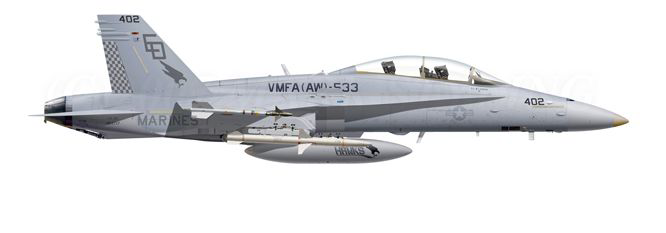
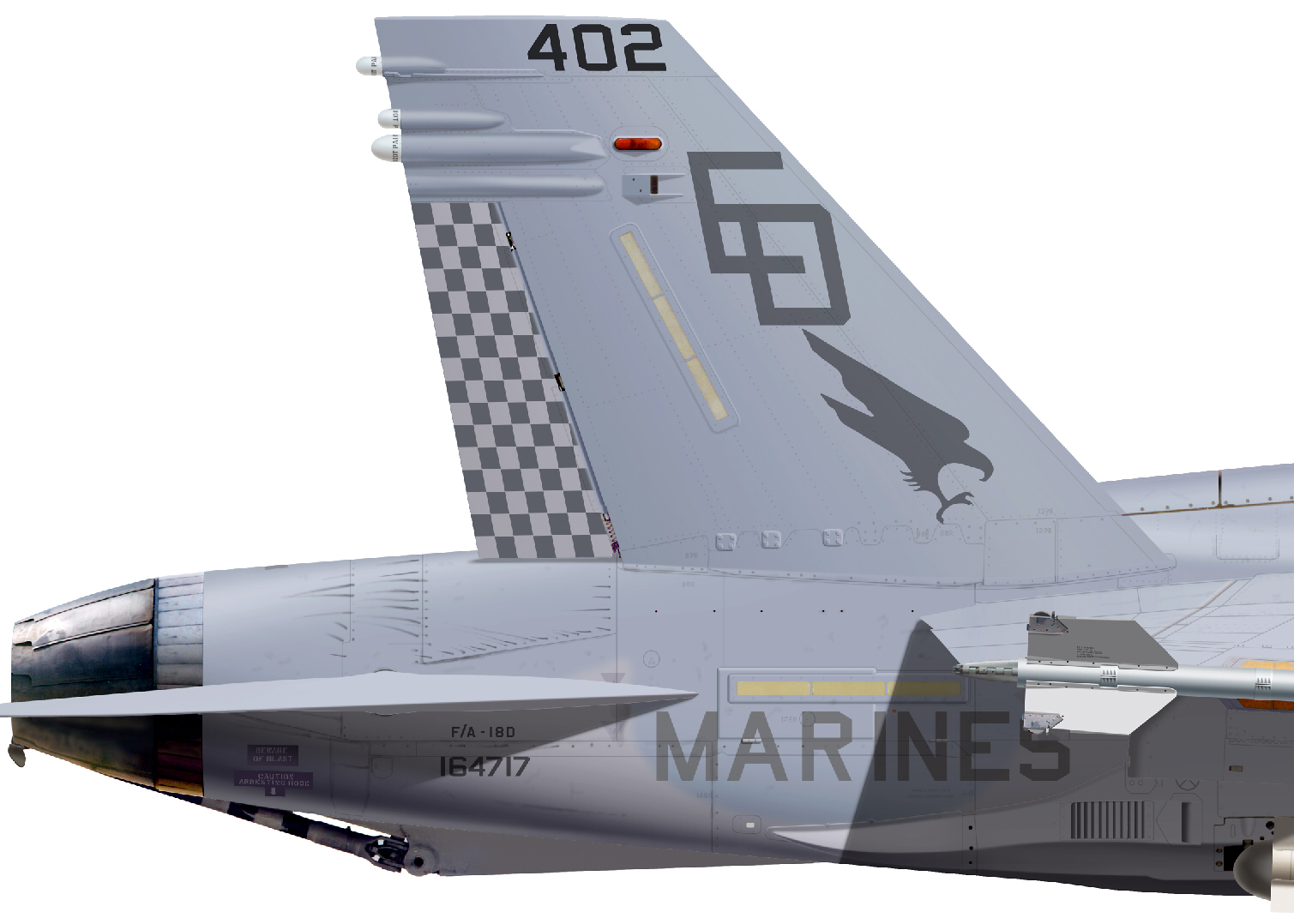
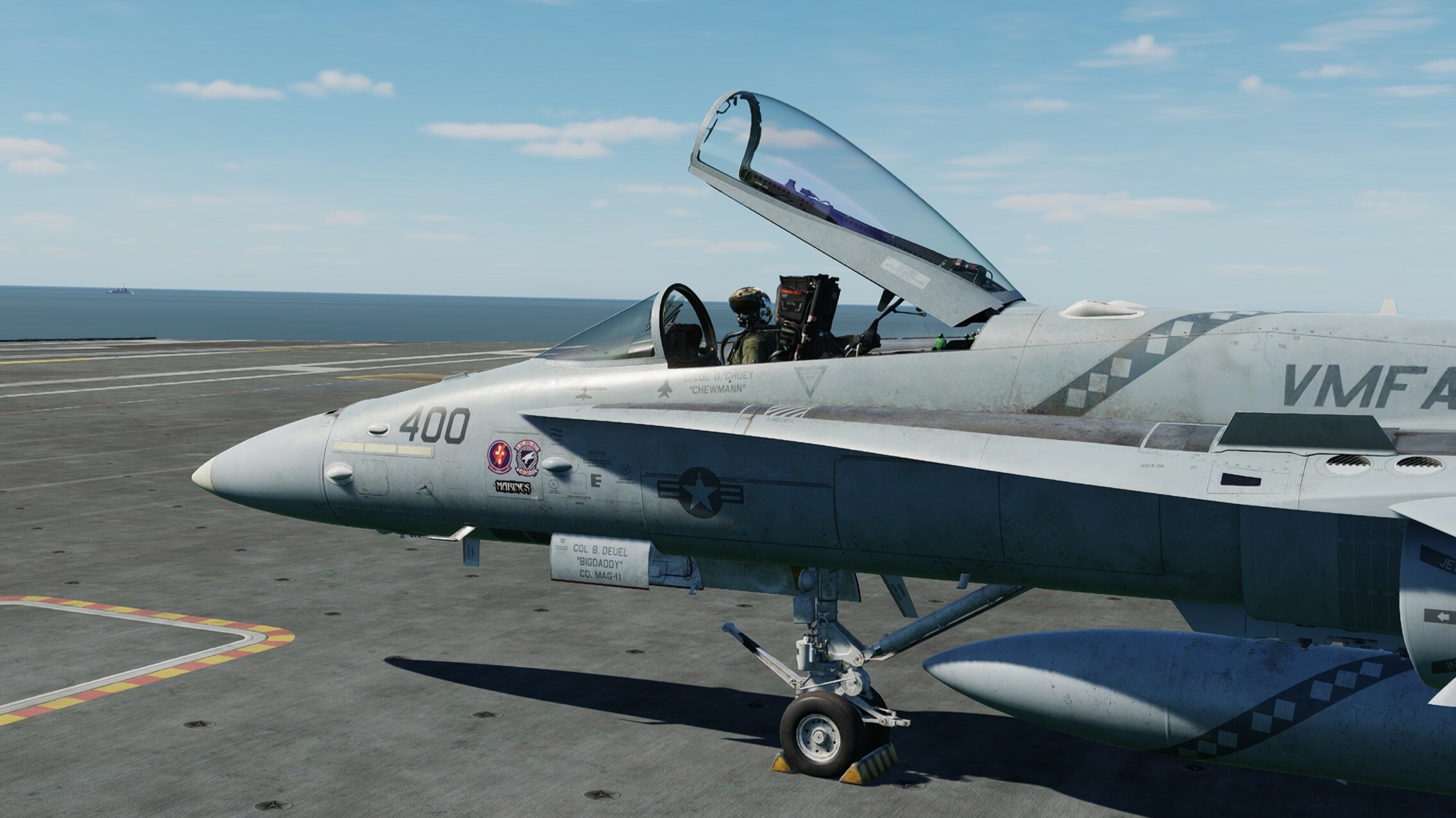
VSN F/A-18D Hornet with F/A-18C Cockpit
Chewmann replied to josh-109's topic in Flyable/Drivable Mods for DCS World
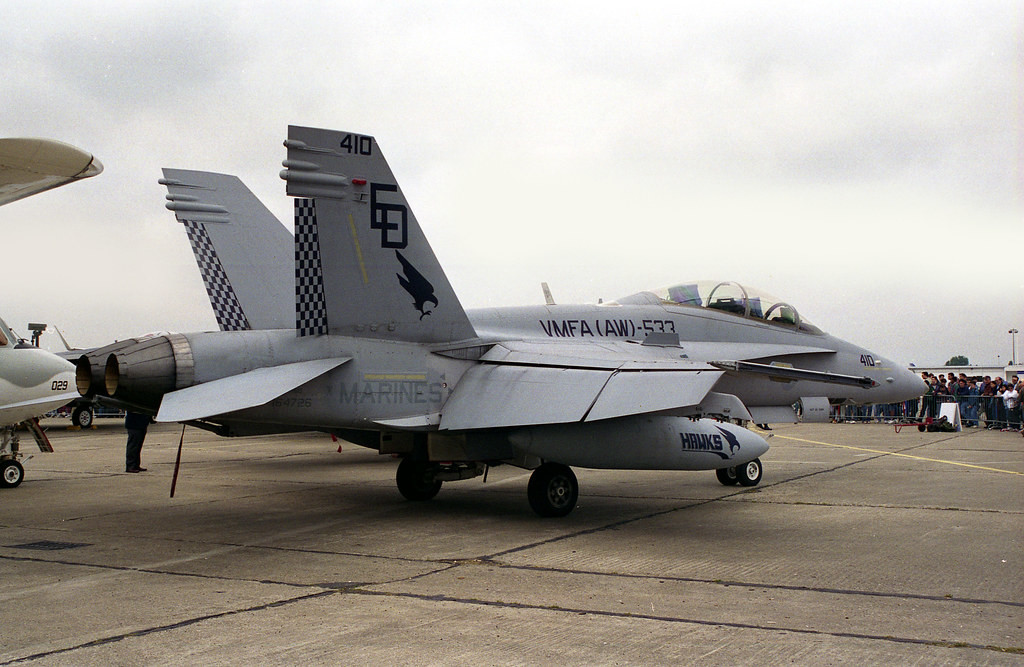
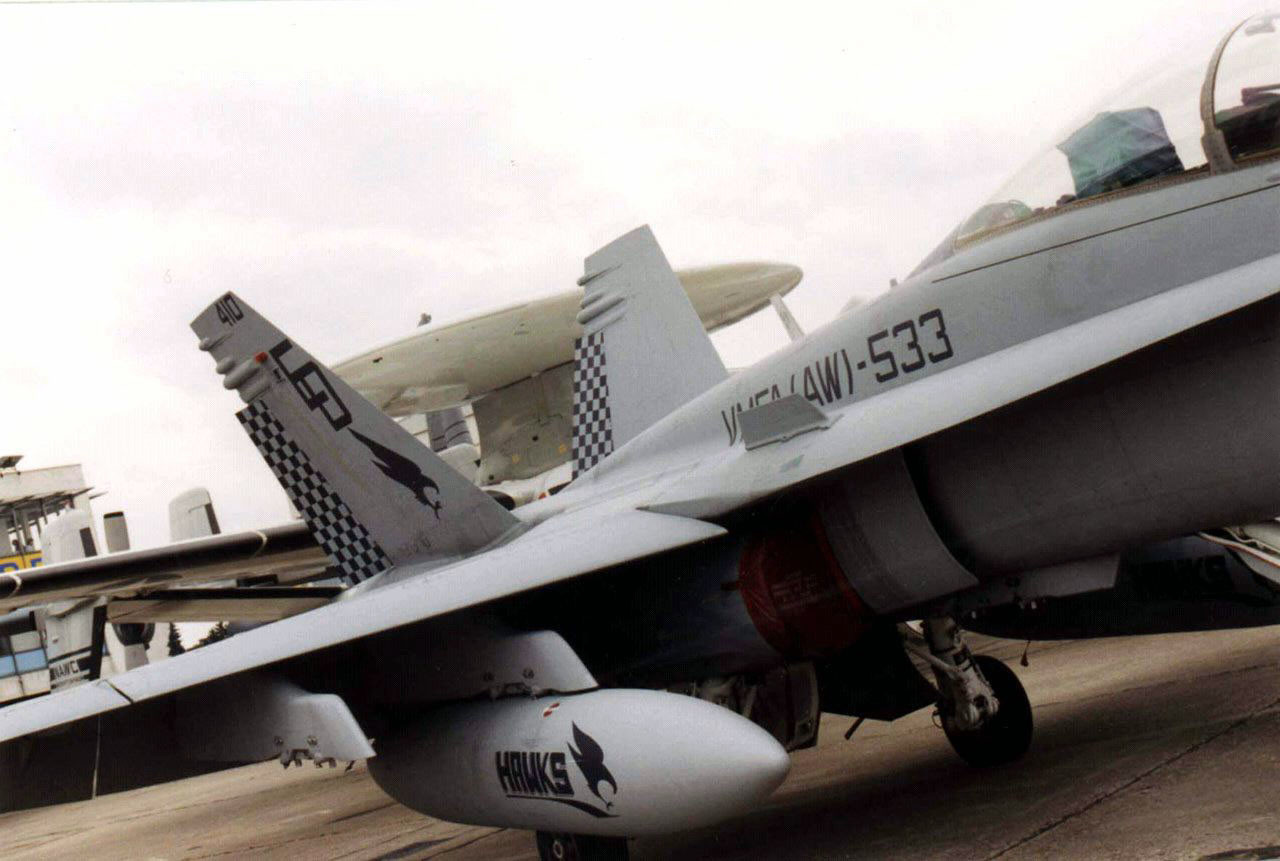
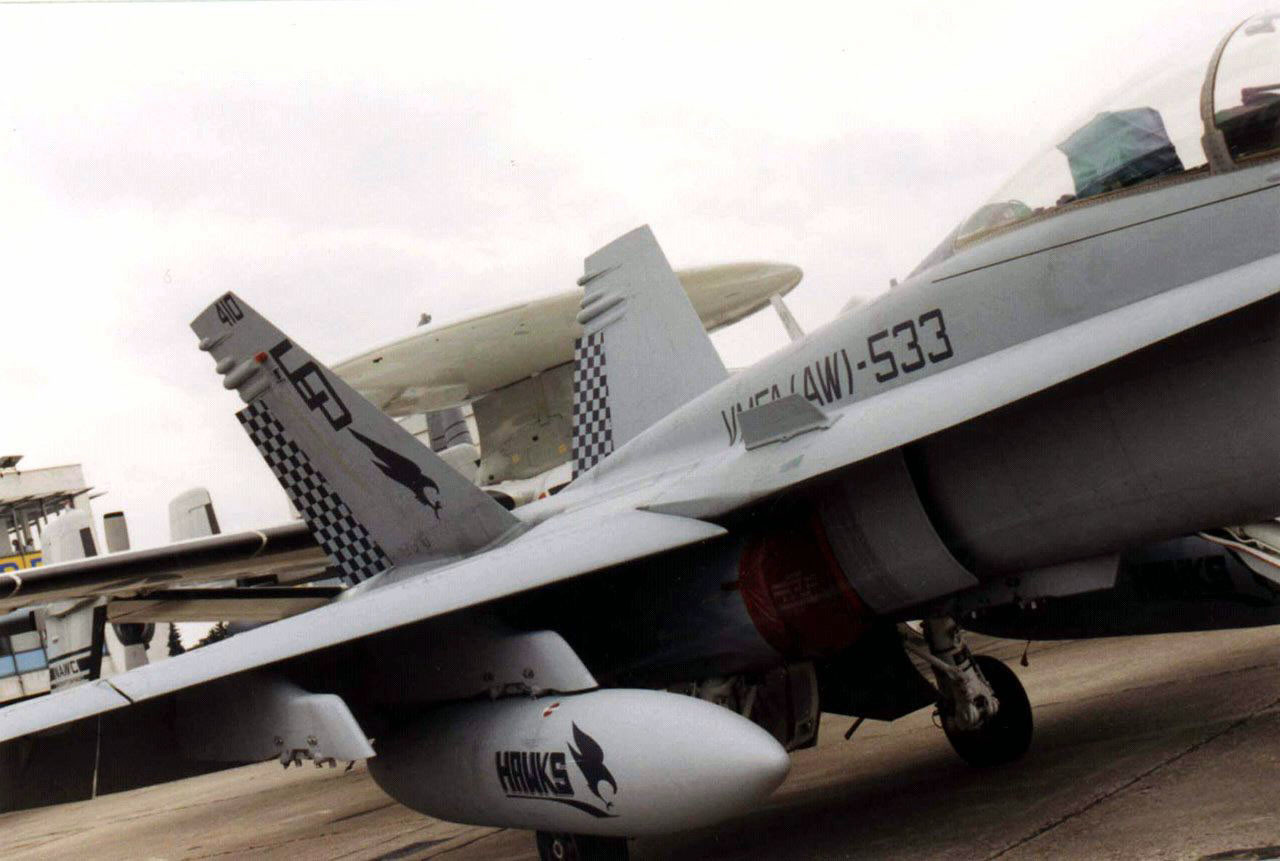
Bones, is this livery available for download? I served in 533 in the early 90s. I was part of the HIT (Hornet Introduction Team) at Cherry Point to transition 533 from the A-6s to the deltas, then I was transferred to 533. After getting there, we moved down to Beaufort. Did you serve with them? -
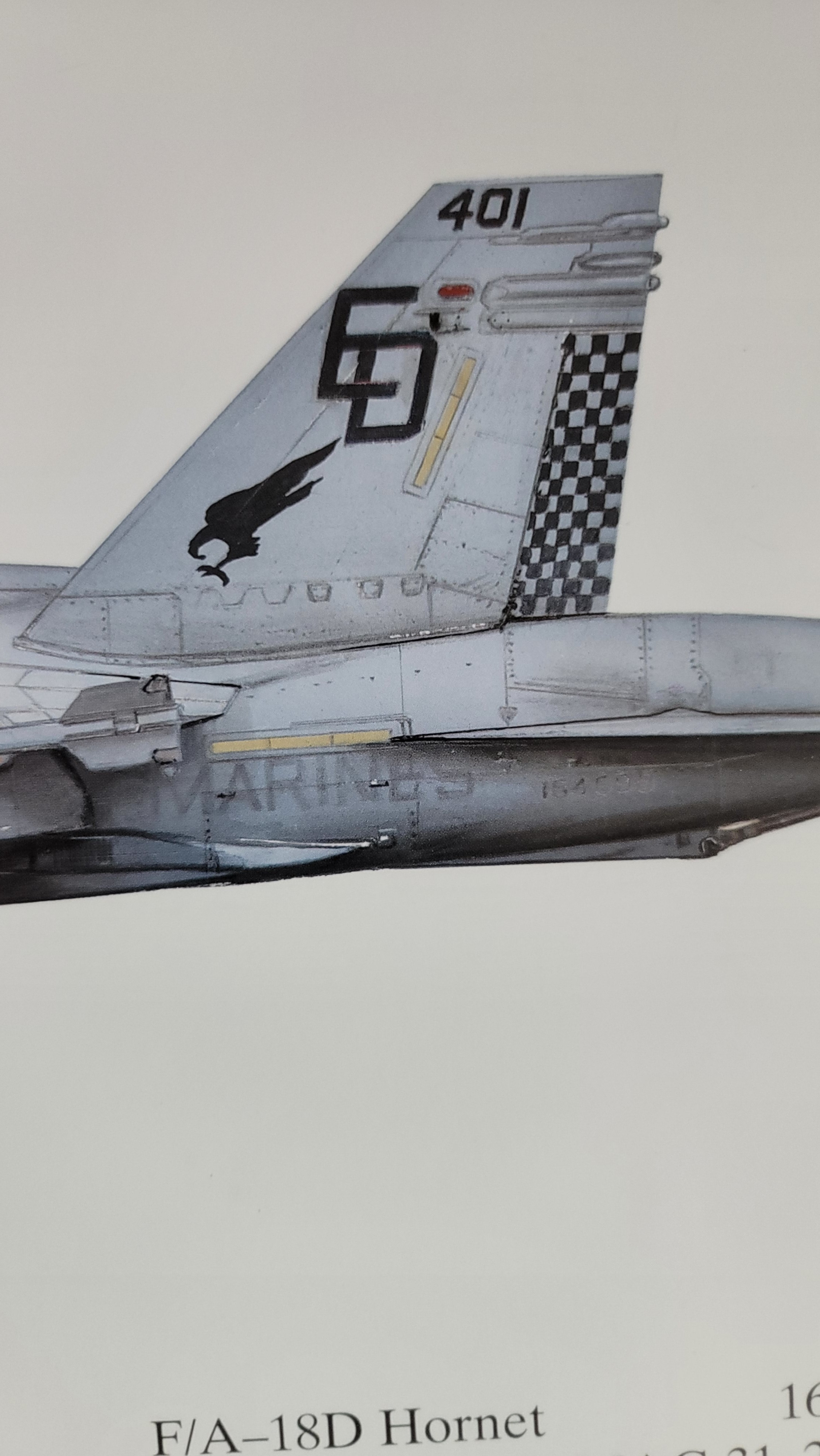
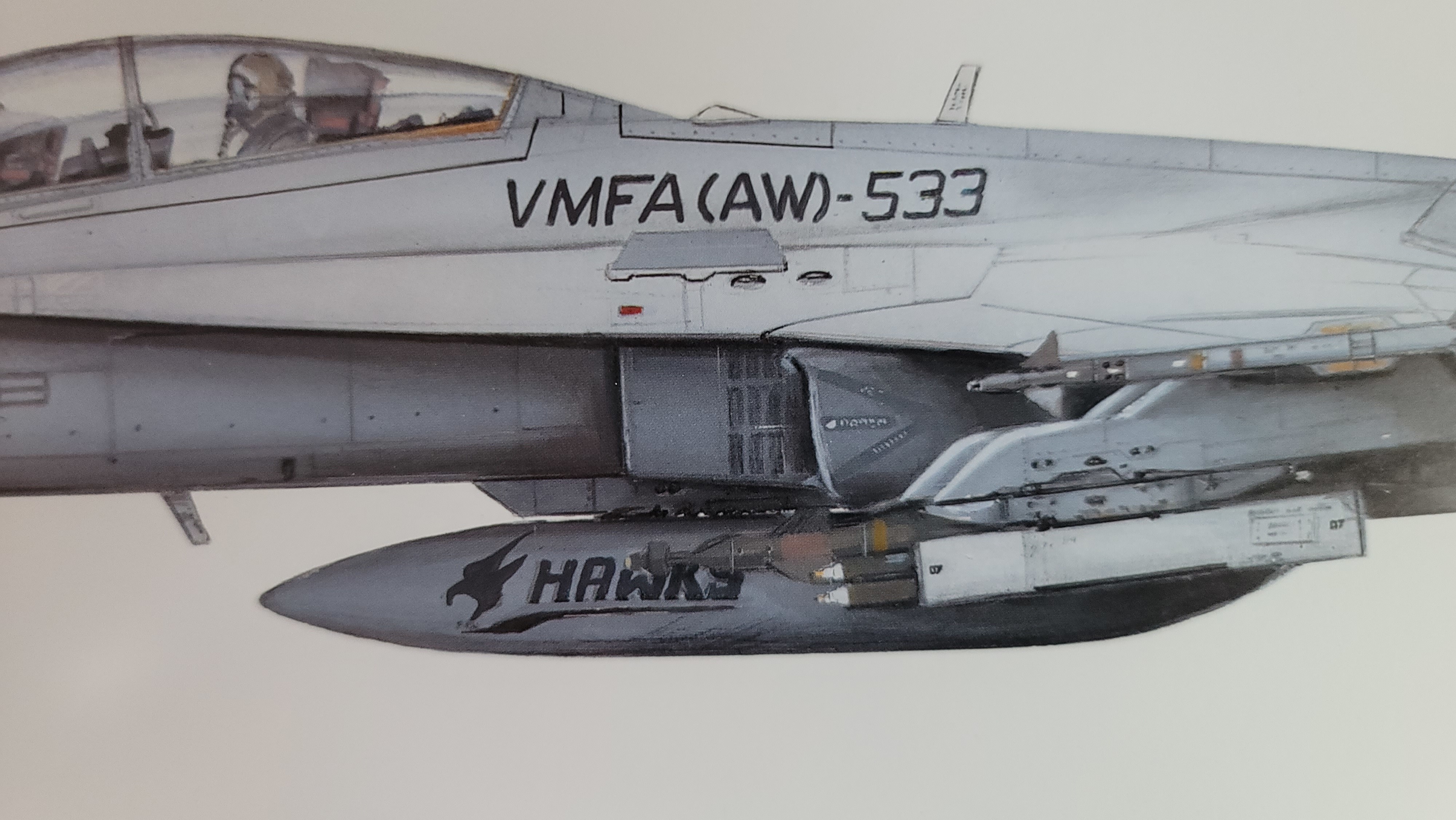
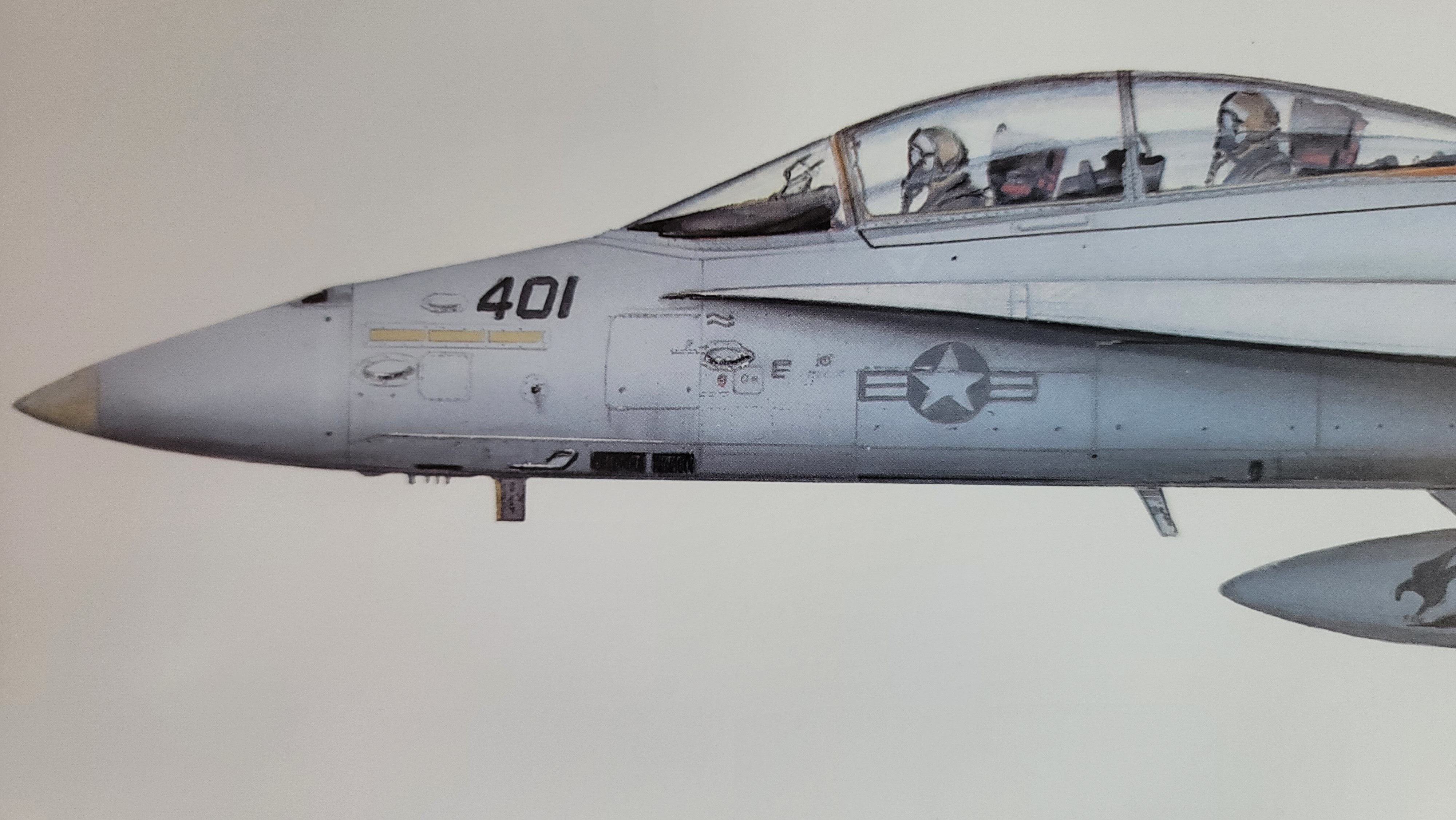
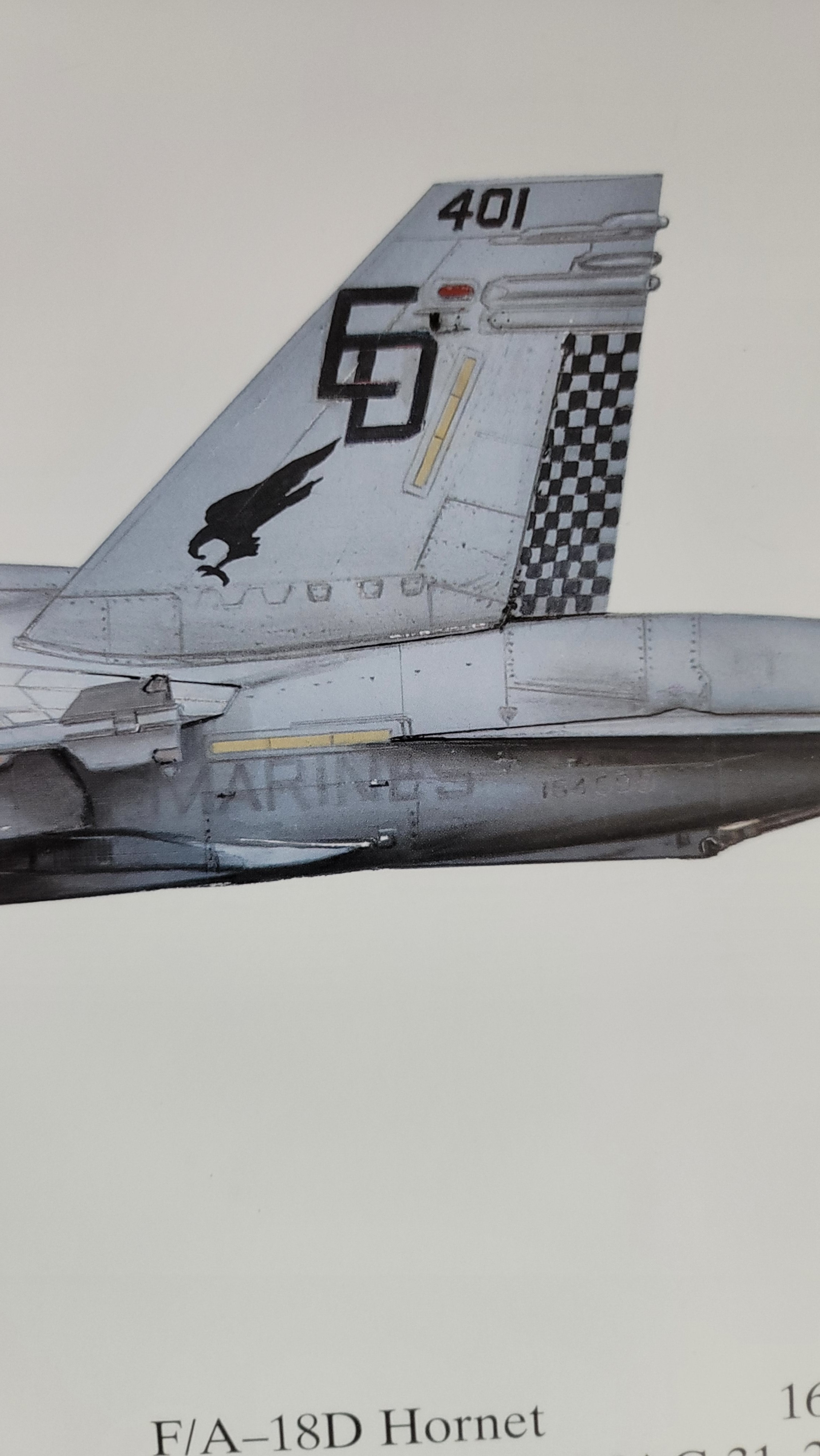
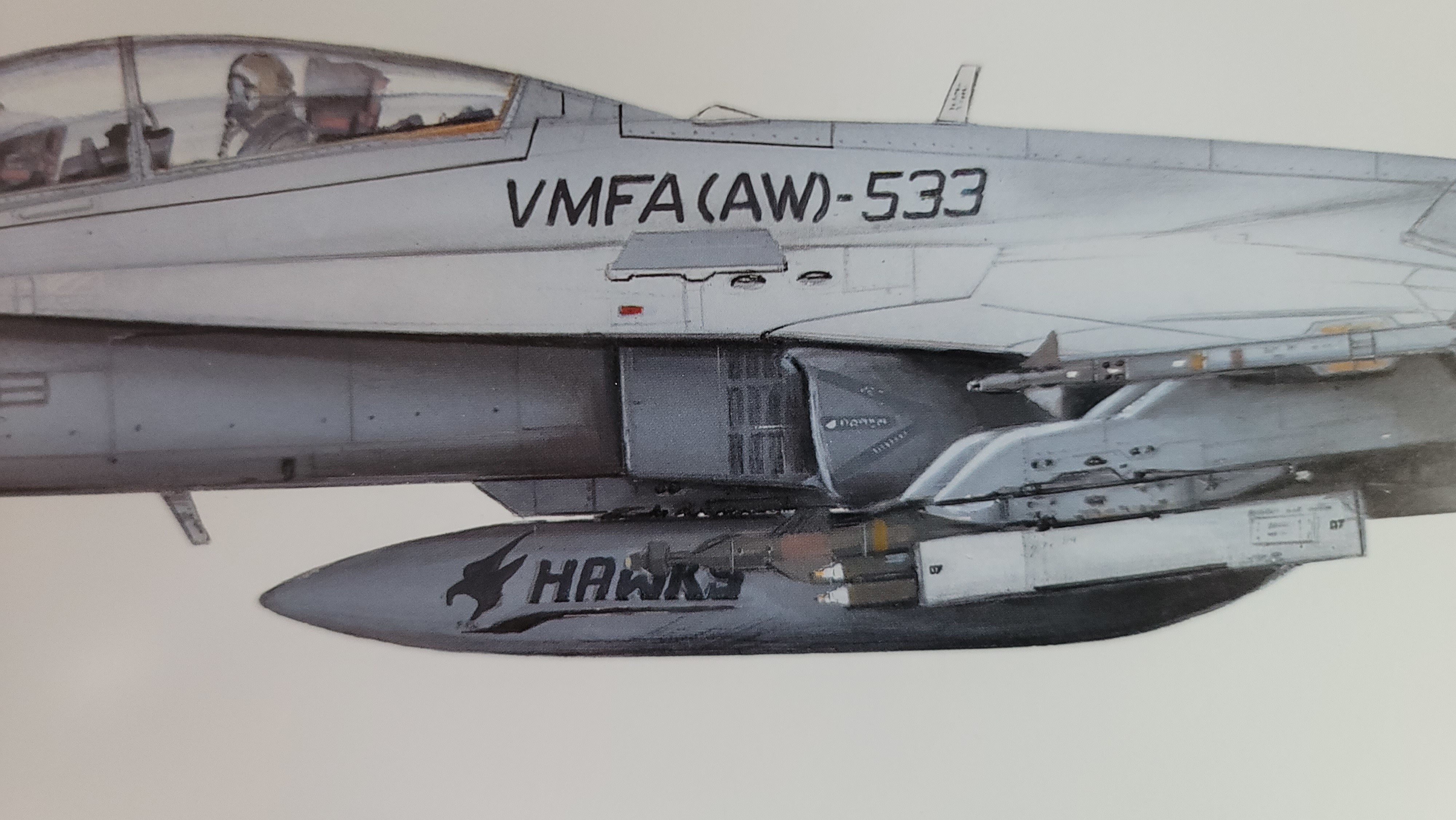
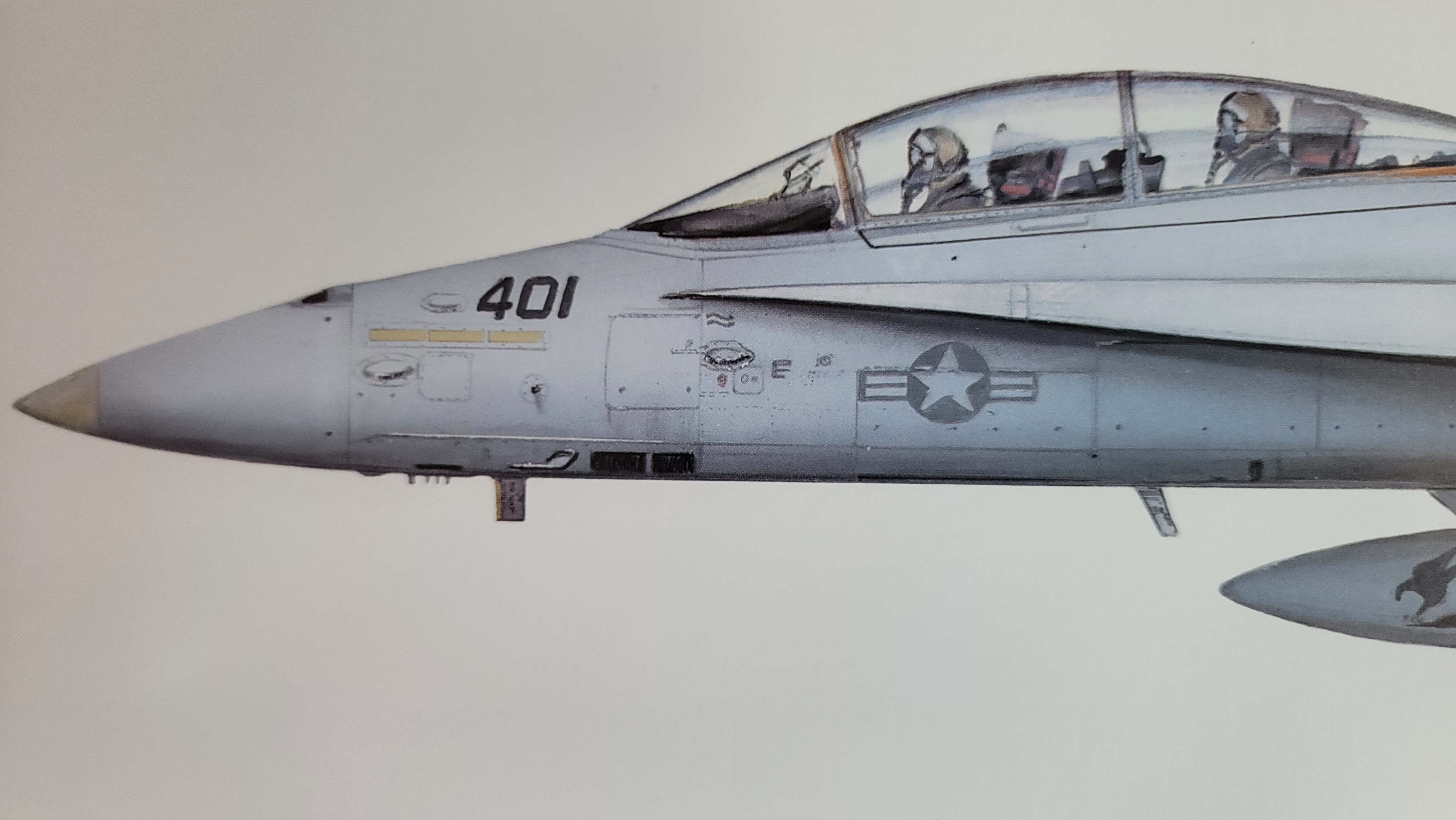
This is what the jets looked like when I was in the squadron back in the early to mid-90s. VMFA(AW)-533 Tail #: 401 Buno: 164699 Color of the markings was a dark blue. It is not black. I know it was a F/A-18D, but it is okay. As long as they are represented!

-
That was it. All good now! Thanks @Chacal_IX
-
DUH!!!!! Let me give that a shot...
-
So with a little experimenting, I see that if I "select" then "deselect" a mode, it works properly. What I have been doing was selecting a mode, then when I wanted to go to another, I would just select it without deselecting the active one at the time.
-
Screen capture Notice when I select A/A, the button gets stuck in the depressed state. But pushing it on the StreamDeck doesn't pop the button out...
-
Well shit, it doesn't work for me. It did work for a few times, then when I would hit A/G with the A/A activated...nothing. Even if I hit the A/A to turn it off, no joy. I will capture my screen and show you what's happening to me...
-
I'll also try this out Thermal
-
@goofballThanks!! I haven’t tried mods before, but now I will.
-
VMFA(AW)-533 Side #: 401 Buno #: 164699 I know it was a F/A-18D, but it is okay. As long as they are represented! (1 of 2) VMFA(AW)-533 2 of 2