VFA41_Hedgehog
-
Posts
137 -
Joined
-
Last visited
Content Type
Profiles
Forums
Events
Everything posted by VFA41_Hedgehog
-
Yeah, ridiculous that 3.5 years into development it was released with zero instant action options. But what's kinda hilarious is the fanbois saying, 'It's early access! They probably didn't have time to add them!' and in the same breath saying, 'It only takes 3 seconds do it yourself!' Do you see how these statements are kinda contradictory and self-defeating? --------------------------------------- [EDIT: based on the responses below, they do not.]
-
For any interested, attached is a template to create inserts for Cougar MFDs. Open and edit in Powerpoint. (Just overtype the text.) Print out on cardstock. Will fit your MFDs perfectly. Cougar Template 02.ppt
- 1 reply
-
- 2
-

-

VFA-41 Black Aces - US-based Carrier Squadron
VFA41_Hedgehog replied to VFA41_Hedgehog's topic in Jets Squadrons
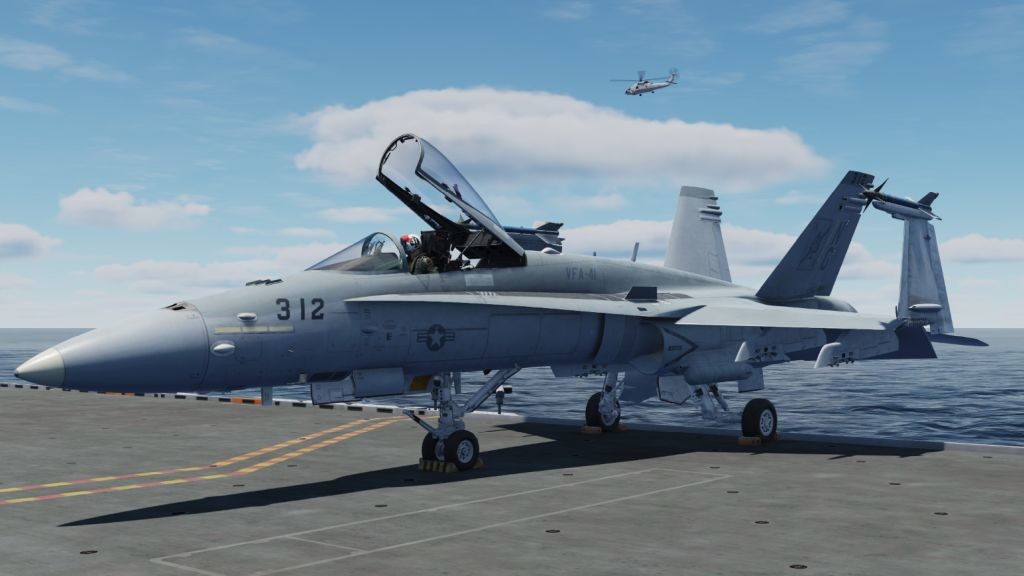
Due to the retirement of a valued VFA-41 pilot, the 312 jet is currently vacant. Accordingly, the JOIN button has been re-added to the squadron website. As you are probably aware, the VFA-41 pilot roster has a hard limit of 12 roster slots. Openings are infrequent and tend to fill quickly. If you're the pilot to become the next Black Ace, don't delay in submitting your application. Interested pilots should check out the squadron website (link below) to learn more about the Black Aces. The selected applicant will expect to be immediately engaged in the squadron's current involvement in Operation Damascus Dawn.
-
VFA-41 Black Aces - US-based Carrier Squadron
VFA41_Hedgehog replied to VFA41_Hedgehog's topic in Squadron Recruiting
Due to the retirement of a valued VFA-41 pilot, the 312 jet is currently vacant. Accordingly, the JOIN button has been re-added to the squadron website. As you are probably aware, the VFA-41 pilot roster has a hard limit of 12 roster slots. Openings are infrequent and tend to fill quickly. If you're the pilot to become the next Black Ace, don't delay in submitting your application. (Interested pilots should scroll to the top of this thread to learn more about the Black Aces. The selected applicant should expect to be immediately engaged in the squadron's current involvement in Operation Damascus Dawn.)
- 22 replies
-
- 1
-

-
- naval aviation
- us navy
- (and 1 more)
-
Hey Big Daddy! Flew with you for a time in the Jane's days as well! We managed to cross VFA-41 from Jane's into DCS. We always said, 'When a better carrier sim comes along, we'll move to it.' It did, and we did!
-
Thanks, Mr. Sally. Or may I call you Mustang?
-
I read a post where someone said that the 20 JAN SimApp Pro update broke panel lights sync in DCS. I have clicked 'No' on the update prompt. Is it safe? Working properly for everyone else? Can confirm panel lights, especially Hornet APU light, syncing properly?
-
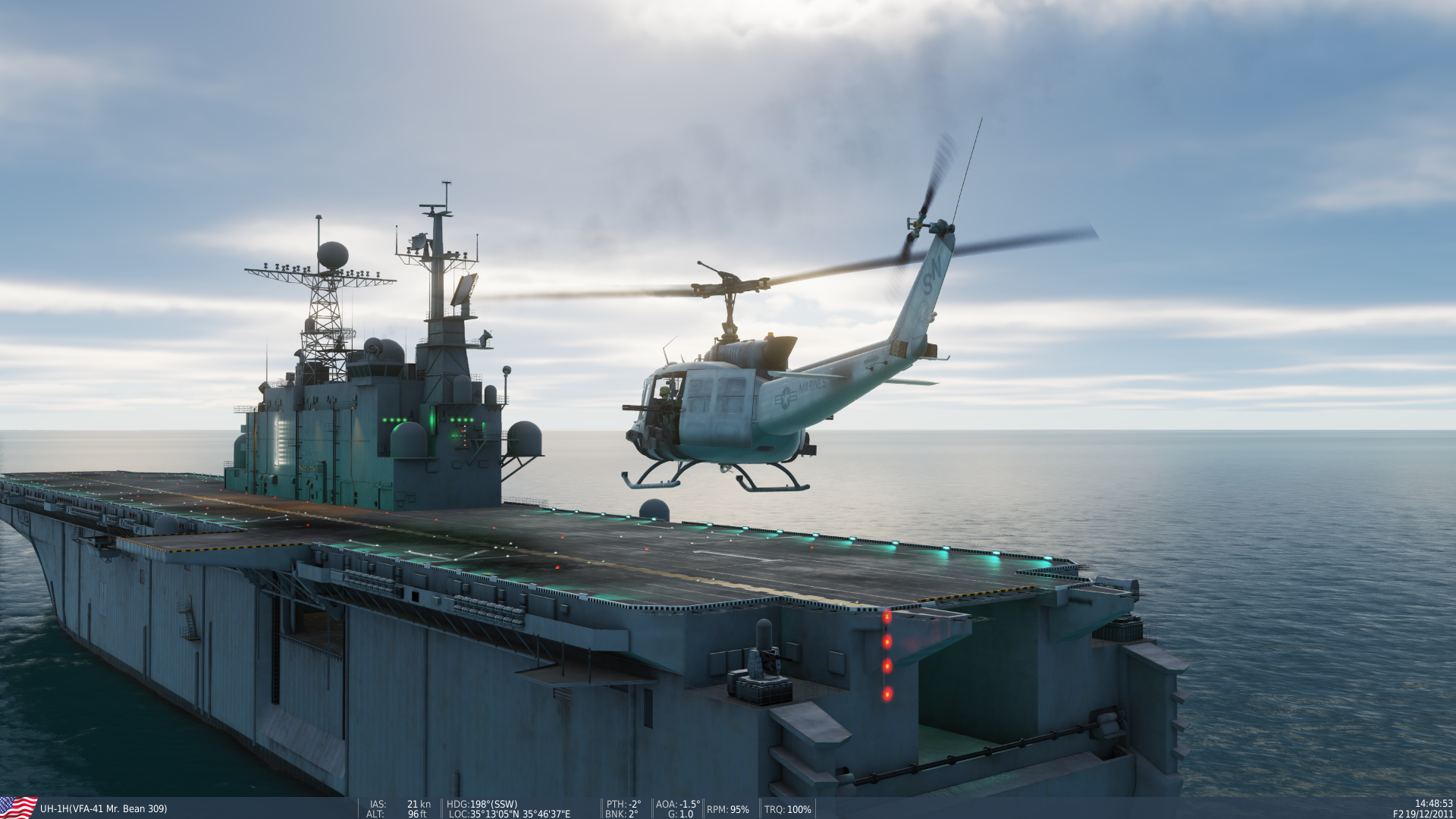
A US Navy pilot downed over Syria in action in support of Operation Damascus Dawn was rescued in a coordinated effort by UH-1H helicopters under cover of F/A-18 Hornets and F-14 Tomcats of the famed VFA-41 Black Aces squadron. Military operations continue in the region in order to quell Syrian aggression in the Turkish Hatay province. You can follow the action as it unfolds here: VFA-41 Black Aces
-
VR or not VR, that is the question!
VFA41_Hedgehog replied to Lee1's topic in New User Briefing Room
Have to throw my hat in the ring as well and disagree with the 'once you go VR you can't go back' crowd. I tried VR. It was very immersive and pretty cool. Now the VR headset is collecting dust on the shelf.* I tried VR and I went back. I much prefer TrackIR over blindly fumbling for controls with a sweaty slab of heavy hardware strapped to my face. But to each his own. *My mother-in-law likes to play the VR alien shooting game when she comes to visit, so it does get used sometimes. -
My first Hornet grip had a bad trim hat; stuck in the LWD position. Returned to Amazon seller for replacement. Replacement stick got the 'weapons select switch won't spring back to center' problem after a few weeks. Decided to work with Thrustmaster customer support. Sent back to them under warranty. I expected to get a replacement stick, but I got the same one back after a couple of months (verified by serial number) with a new switch. It's been working OK for over a year now.
-
Good for you! When I was waiting for mine from the first batch made, which took MUCH longer than a week to arrive, Winwing responded to my 'when?' request literally saying, 'We don't ship things according to when the orders were received.' What?? So, yeah, good for you, but there's probably someone who ordered theirs before you who is still waiting weeks, as I did. (It was worth the wait, but still frustrating.)
-
Conflict in Export.lua - WWT and DCS-Exports
VFA41_Hedgehog replied to ESzczesniak's topic in Winwing
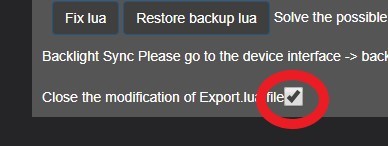
Forgive me if you are already aware of this; but SimApp Pro checks and re-writes your EXPORT.LUA file every time you start it (like probably every time you turn on the PC). So whatever manual edits you make are probably being undone by SimApp Pro. How do you stop that from happening? You have to check the box under the FIX LUA button that says:
-
Thanks for letting us know that Winwing responded to at least ONE user...
-
[SOLVED by 22 NOV SimApp Pro update.] Everyone I've been able to track down who has the Winwing Startup panel with APU switch and light is reporting the same issue since the SimApp Pro update this week. When the F/A-18 APU light is ON, the Startup panel APU light is OFF. When the F/A-18 APU light is OFF, the Startup panel APU light is ON. Exactly opposite of what it should be. No response from Winwing to several emails and messages from different users. Anybody else seeing this? Anybody with Startup panel NOT seeing this? (Yes, we've tried the FIX LUA button, but no joy.)
-
Again, you'd like to think so, but nope. But, yeah, for what it's worth, I can, and did, read that guidance presented.
-
You'd like to think so, but nope.
-
TARGET says my stick is FW v11. Thrustmaster says latest FW is v12, and is required for Hornet grip to work properly. I downloaded the instructions to update the firmware, but it refers to an updater utility that is not present on my PC. Unable to find it elsewhere. SOLVED: If the Firmware Updater utility was not installed on your machine initially, you have to download the DRIVER set. Then run the DRIVER install. It will appear to be attempting to install the TPR drivers on your machine (even if you don't own them) (probably crappy French - English translation) but run it anyway. When it is done, you will have a new Thrustmaster HOTAS Warthog - TPR folder in your Windows START menu. Therein you will find the Firmware Updater utility.
-
Follow the action as the Black Aces engage in Operation Damascus Dawn at VFA-41 Black Aces
-
While the VFA-41 Black Aces remain fully engaged in Operation Persian Gauntlet, ENS Maniac has completed the squadron's comprehensive, multi-phased basic qualification program and earned his Wings of Gold as a Naval Aviator! VFA-41 Black Aces
-
Please make the following commands bindable: Screen shot 'Ready pre-contact' Both of these would be VERY helpful as HOTAS buttons... of course I could use TARGET software to do it, but I don't want to have to run TARGET in the background if I don't have to. (And, no, not interested in installing and running Voice Attack just for this, either.)
-
Also, does the real jet really not have a 'Dump Open' light or advisory? Seems like it would have some sort of visual indication for the pilot other than switch position.
-
I guess I was confused by the part where you told him that if he has 16GB RAM he should set his pagefile size to 16GB. "...as you have 16GB RAM you should set pagefile to 16282 MB"
-
Whoa. Are you saying that he should set his Windows pagefile to the same size as the amount of RAM on the machine?? That is contrary to everything I have read about pagefile size.
-
Especially for anyone who use the Winwing PTO panel. LAUNCH BAR commands discussed in this thread about Hook Bypass switch.
-
This mod to the F/A-18C joystick DEFAULT.LUA adds separate LAUNCH BAR EXTEND and RETRACT commands as shown below. This is primarily for anyone who use the Winwing Take-Off Panel or any 2-active position controller switch. a) Look for the DEFAULT.LUA file somewhere around here: C:\Program Files\Eagle Dynamics\DCS World\Mods\aircraft\FA-18C\Input\FA-18C\joystick b) Open it with a text editor and find the section called LEFT VERTICAL PANEL. c) Find the line for the Launch Bar Switch that looks like this: down = gear_commands.LaunchBarSw, up = gear_commands.LaunchBarSw, cockpit_device_id = devices.GEAR_INTERFACE, etc.... d) Just below that line, copy and paste these two lines: { down = gear_commands.LaunchBarSw, cockpit_device_id = devices.GEAR_INTERFACE, value_down = 0.5, name = _('Launch Bar Control Switch - EXTEND'), category = {_('Left Vertical Panel')}}, { down = gear_commands.LaunchBarSw, cockpit_device_id = devices.GEAR_INTERFACE, value_down = -0.5, name = _('Launch Bar Control Switch - RETRACT'), category = {_('Left Vertical Panel')}}, e) Save the DEFAULT.LUA file. You will now be able to bind the Winwing PTO panel LUANCH BAR switch positions as shown. This, of course, will need to be repeated after every DCS update or patch (or until ED does it themselves... don't hold your breath.)