.png.598089308335ac86bc4400a567ea05c4.png)
TK-421
-
Posts
81 -
Joined
-
Last visited
-
Just going to +1 this, it has been ages!
-
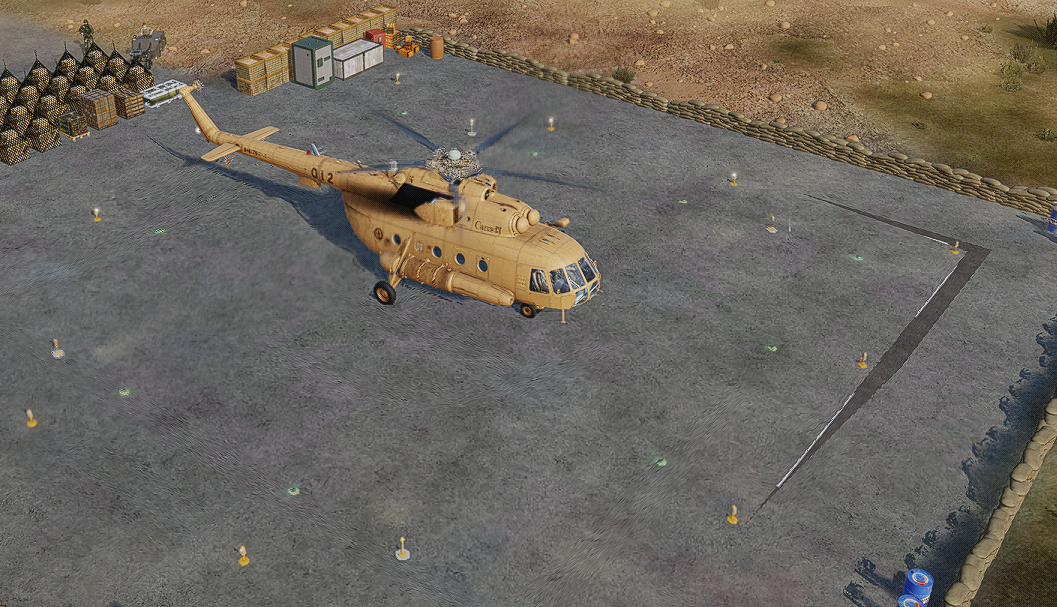
There is a visual glitch on a certain helipad, it looks like there are two textures trying to overlap and it causes a flickering effect. Located at; N 32 degrees 58.870' E 35 degrees 30.910' YB3552 It's the southern most pad on the hilltop with three pads

-
Okay, So I messed up, I didn't know this was a thing and now I know, unfortunately this is after I have spent hours making this mission and haven't had multiple versions as I've saved it, I only had the one save file, and now that save is corrupted. Basically I was making a COIN type mission as a helicopter play ground. I had a bunch of FOBs around Damascus and a ton of singular insurgents and pick up trucks moving around to give me something to shoot at, kinda like a Blackhawk down style town that is full of angry people with AKs. After reading through these forums I have now realised that the trucks I put down with on road waypoints have caused this issue, but now I can't open my mission to fix it. Is there anyway I can roll it back to a previous save or delete the trucks or waypoints causing the issues through the Miz file? I am not a coding wizard, I tried opening it up on the mission editor browser but it made no sense to me... Please help? and thank you in advance. Coin ops.miz
-
.thumb.png.5e063002b31c22c3ce910333543f83dd.png) So I encountered this... I locked up one target but then unlocked it. After that it wouldn't lock anything anymore. Even red icons that were shooting at me.
So I encountered this... I locked up one target but then unlocked it. After that it wouldn't lock anything anymore. Even red icons that were shooting at me. -
Can we please add an absolute slew axis for the radar elevation? I know the real jet uses a return to centre sprung wheel, but the majority of people don't have a control like this on their HOTAS. The current realistic behaviour of the axis controlling the slew rate is incredibly frustrating if the centre position is not well defined by a detent. I've taken to reducing the saturation on the axis to help, but it is still very annoying to control the elevation. This would be a simple quality of life fix that would benefit the majority of players. Thanks
-
- 3
-

-
Any updates on this?
-
Automatic manifold pressure regulator question.
TK-421 replied to grafspee's topic in DCS: P-51D Mustang
Did anyone test this out? Seems to be a point of confusion with the Mustang. -
this is amazing, but it failed the IC today.... *update* deleted the zip file that was in there for some reason, restarted and it seemed to fix it. Honestly man it looks amazing, this should be standard!
-
is this still an issue?
-
a screen shot or photos would be great, hard to visualize
- 1 reply
-
- 1
-
-
bump! atmosphere effects would be cool, it would give a reason to use those controls, as well as dust
-
bumping this, clusters would make attacking soft targets very fun
-
bumping this, it was a common sight on the jug
-
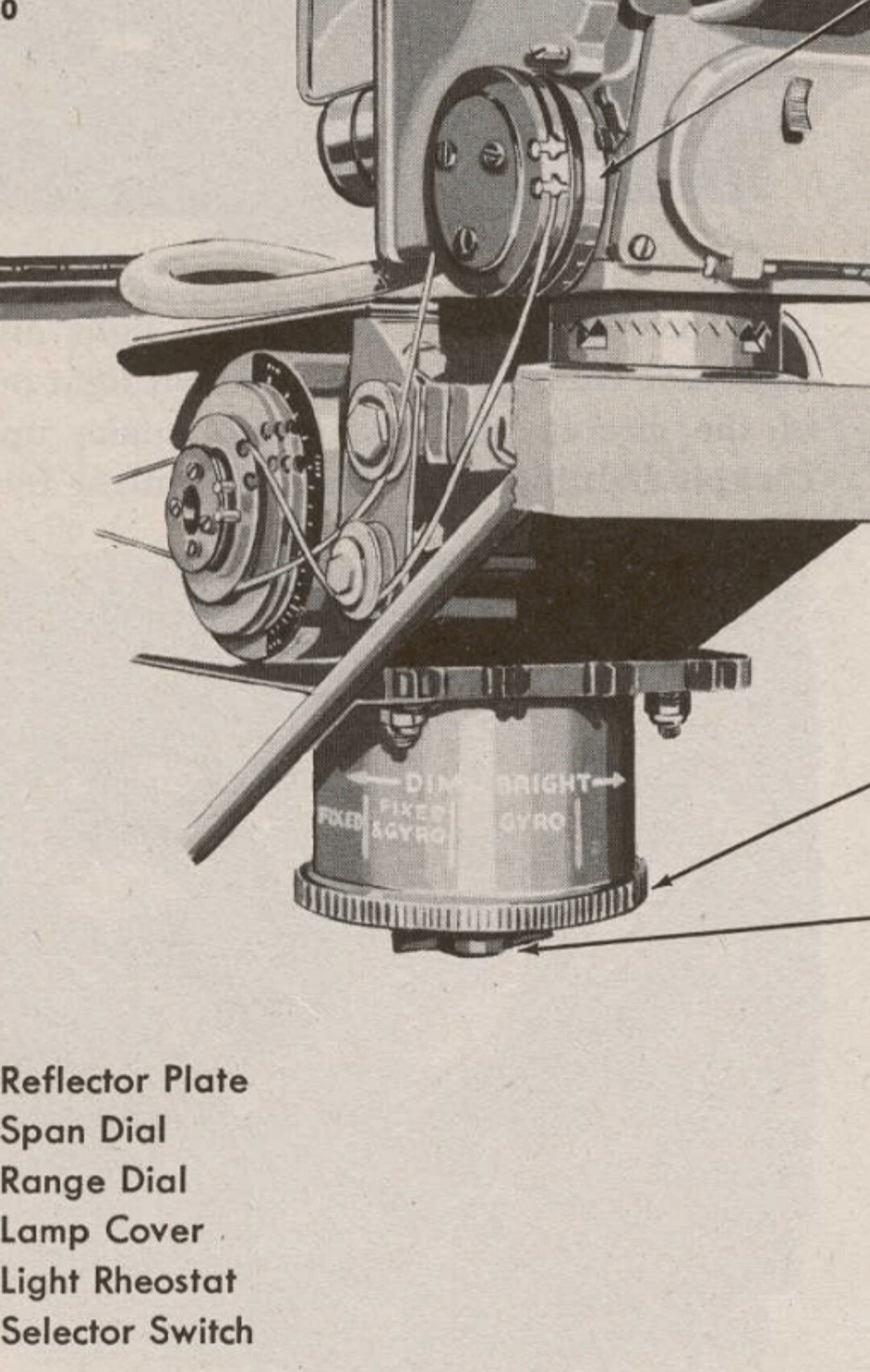
Had a quick look at the N model manual, it shows the current in game D-40 rocket panel which doesn't have a Jettison switch, the November manual also doesn't mention the ability to Jettison the tubes like the older manuals do, however the November manual only shows HVARs and doesn't talk about M10s. Puts further theory that the rocket selector panel we have in game is a very late model, which was only designed to be used with HVARs as the M10 went out of service by the end of the war. Also, on the point of the throttle and propeller lever, I think I was mistaken on it being able to be interconnected. The November manual has very good image showing the propeller lever. You can actually see the latch only exists on the leading edge. So you can't actually interconnect the throttle and propeller lever. You can only set it so the front latch drops, which means it supports the description in the manual where it will move with the throttle lever forward but not backwards. Also this also shows another method for sight controls, which I assume is a very late war K-14 gunsight. The control switches are mounted on a turn dial under the sight. I believe the correct method for the D-30 and D-40 is still the added box like the previous post image shows.
-
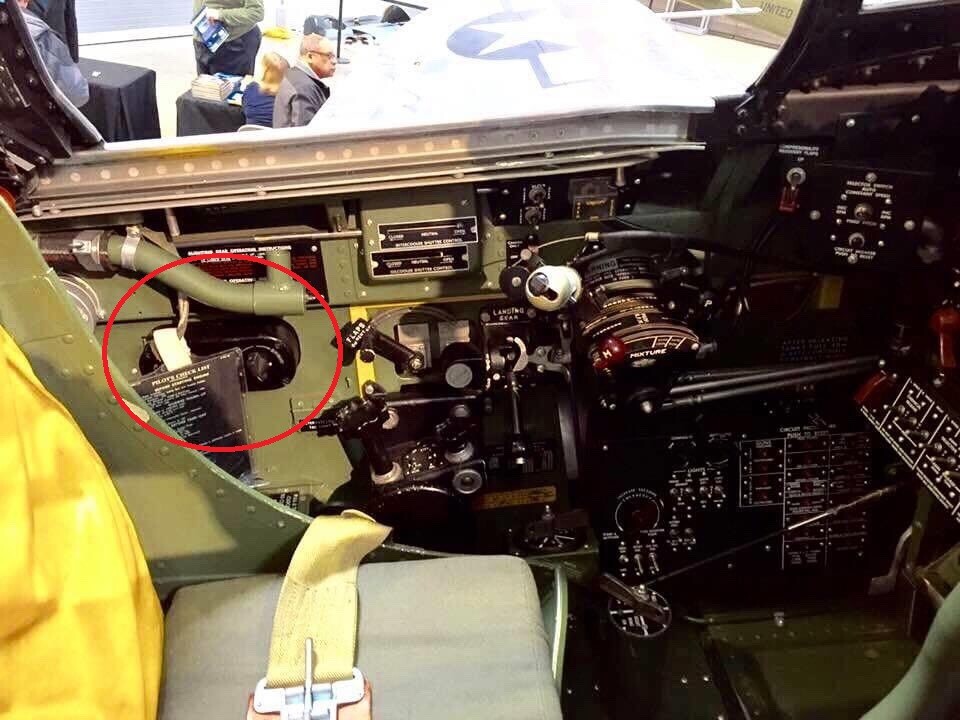
I think this box (see pictures) someone mentioned previously is the method used for the M10 bazooka tubes. The red switch is for the jettison. I remember seeing somewhere that not all P-47s were set up for the M10 launchers and were field upgraded to support them. Some even detailing only two per squadron, image below is from the Thunderbolt film, only the flight lead carried the tubes in that flight. I have a suspicion that the rocket panel in the D-40 variant in game is a very late model, which only worked with HVAR rockets, hence the missing jettison switch, as it wasn't possible to jettison HVARS so it wasn't needed after the M10 went out of service. I believe the correct version that could jettison the M10 tubes and work with both M10s and HVARs is the one with the jettison switch. This image is from a D-40, and shows the arming panel and the rocket panel with jettison switch. This would also explain how it was done with the earlier Razorbacks and the D-30 early model. All they had to do was add the rocket panel under the parking break and use the old pull handle method for bombs. For the late model D-30 which had the bomb arming panel under the parking break, I assume they mounted it to the side, this image shows an early P-47 with rocket panel mounted to the left. You can see it behind the flight stick, this one doesn't even have the bomb arming panel. I think the fix to this issue is; Change the rocket panel in the D-40 to this one with the red jettison switch Add this rocket panel to the D-30 late model mounted to the left and allow M10 tubes Add this rocket panel to the D-30 early model mounted to the left or under the parking brake and allow M10 tubes Add the ability to jettison the M10 tubes As a bonus, this image below shows the panel for the K-14 gunsight which is missing, it should have the same controls as the P-51 gunsight. This is from the same D-40. Also another bonus, the D-30 manual, (AN 01-65BC-1A, page 31) shows that the propeller lever has a function where the throttle will always push it forward, which simplifies engine management by making it impossible to push the throttle forward of the propeller lever. I assume this is a function of the interconnecting latch, so you could either lock it to the throttle lever with both front and rear latches, only put down the front latch so it moves forward with the throttle lever but not rearwards, or disconnect it completely so it moves independently.