
Despayre
-
Posts
473 -
Joined
-
Last visited
Content Type
Profiles
Forums
Events
Everything posted by Despayre
-
I, for one, will very definitely NOT be "curious about those tracks". You've offered nothing but opinion and claims you can't back up.
-
Updated Hardware Requirement Available????
Despayre replied to AvgWhiteGuy's topic in PC Hardware and Related Software
What it tells you is, I stand corrected. As ancient as that video card is, it's still throwing out enough frames to be playable, but your CPU is getting crushed by the demands. So, CPU appears to be your biggest bottleneck right now. However, I can still almost guarantee, that even if you completely eliminate any CPU-bound problems (CPU/GPU-bound means it can't keep up with what's being asked for), that video card would still need an update too, esp once you get up in the air, and there's more things for your machine to track visually. -
Updated Hardware Requirement Available????
Despayre replied to AvgWhiteGuy's topic in PC Hardware and Related Software
Those were not the GPU/CPU graphs I was looking for. In-game, while flying, press Left control and pause, you will get an overlay showing your output rate, and telling you whether you're GPU-bound, or CPU-bound. Should look something like this (see attached). While your machine certainly isn't overpowered, I'll be surprised if you're not just getting "GPU-Bound" constantly. -
Updated Hardware Requirement Available????
Despayre replied to AvgWhiteGuy's topic in PC Hardware and Related Software
That sounds almost entirely like a GPU bottleneck, ergo, upgrade the video card. Have you turned on the framerate counter to see if it's a GPU or CPU issue? -
Could not disagree with you more.
-
Updated Hardware Requirement Available????
Despayre replied to AvgWhiteGuy's topic in PC Hardware and Related Software
Spoiler alert: You cannot overbuy for specs (only budget). -
Then you'd be missing out on the best module in DCS.
-
"F" buttons don't do views anymore
Despayre replied to Lee1's topic in PC Hardware and Related Software
Almost certainly this. Many laptops these days set the "function" use of the F keys as default, requiring you to hold down the FN key as well as the F key t o get the F key result. (so dumb, but I digress). I suspect if OP presses his FN button (usually lower left) and the appropriate F key, his views will return. Most companies provide the ability to flip the functions though so you can use things normally, some use an app, and I know Lenovo has the change in the BIOS for some of their models. ETA: while common, it's not limited to laptops, and I'm aware OP has not said he's on a laptop. -
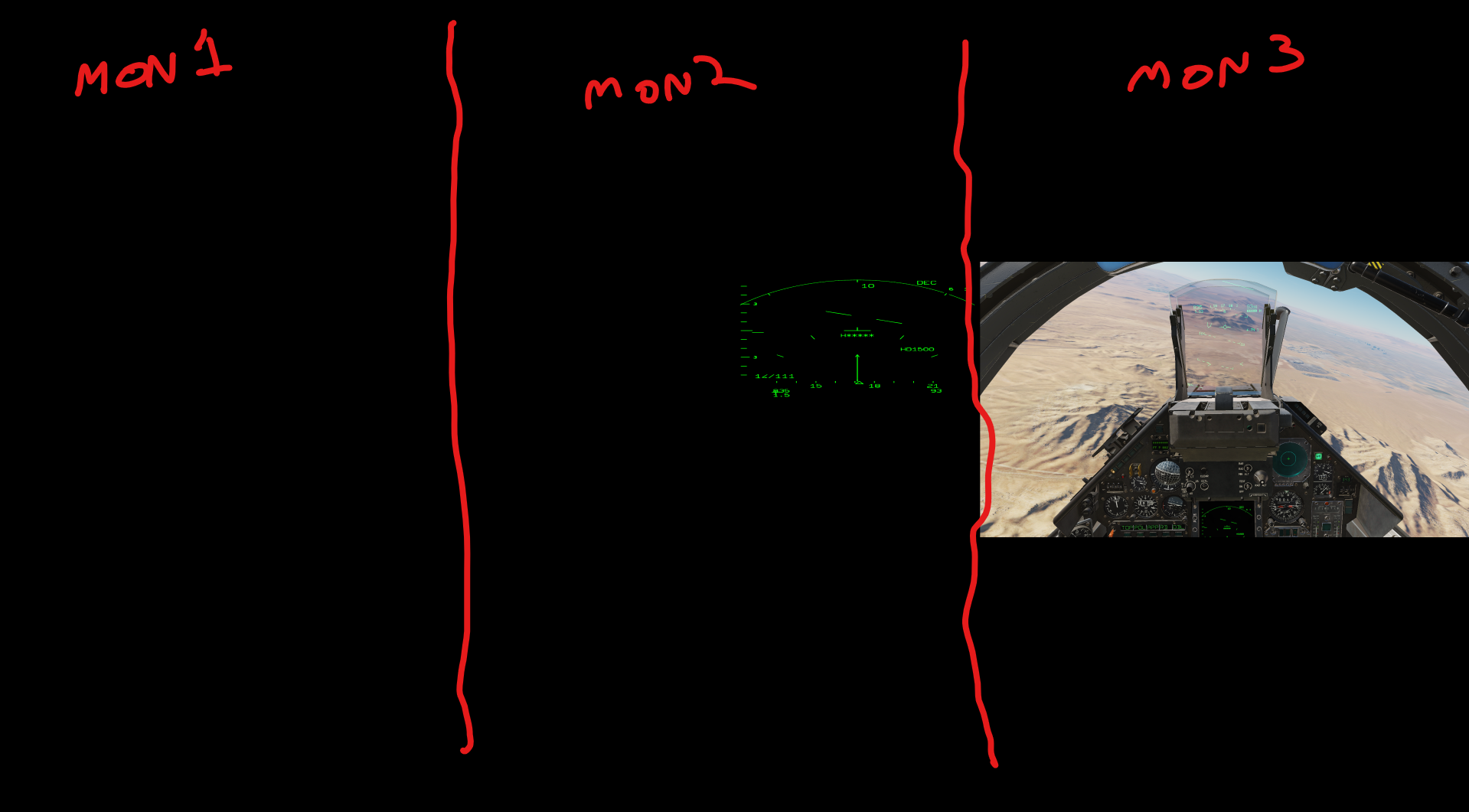
I used to run a 2 monitor setup on a 3 monitor machine, using only the middle monitor (Main Windows monitor, but used in DCS as monitor 2), and the far right monitor (@nd Windows Monitor, and primary DCS monitor). So ya, if that matches what you're asking, yes it does. Pic for even more clarity/confusion null

-
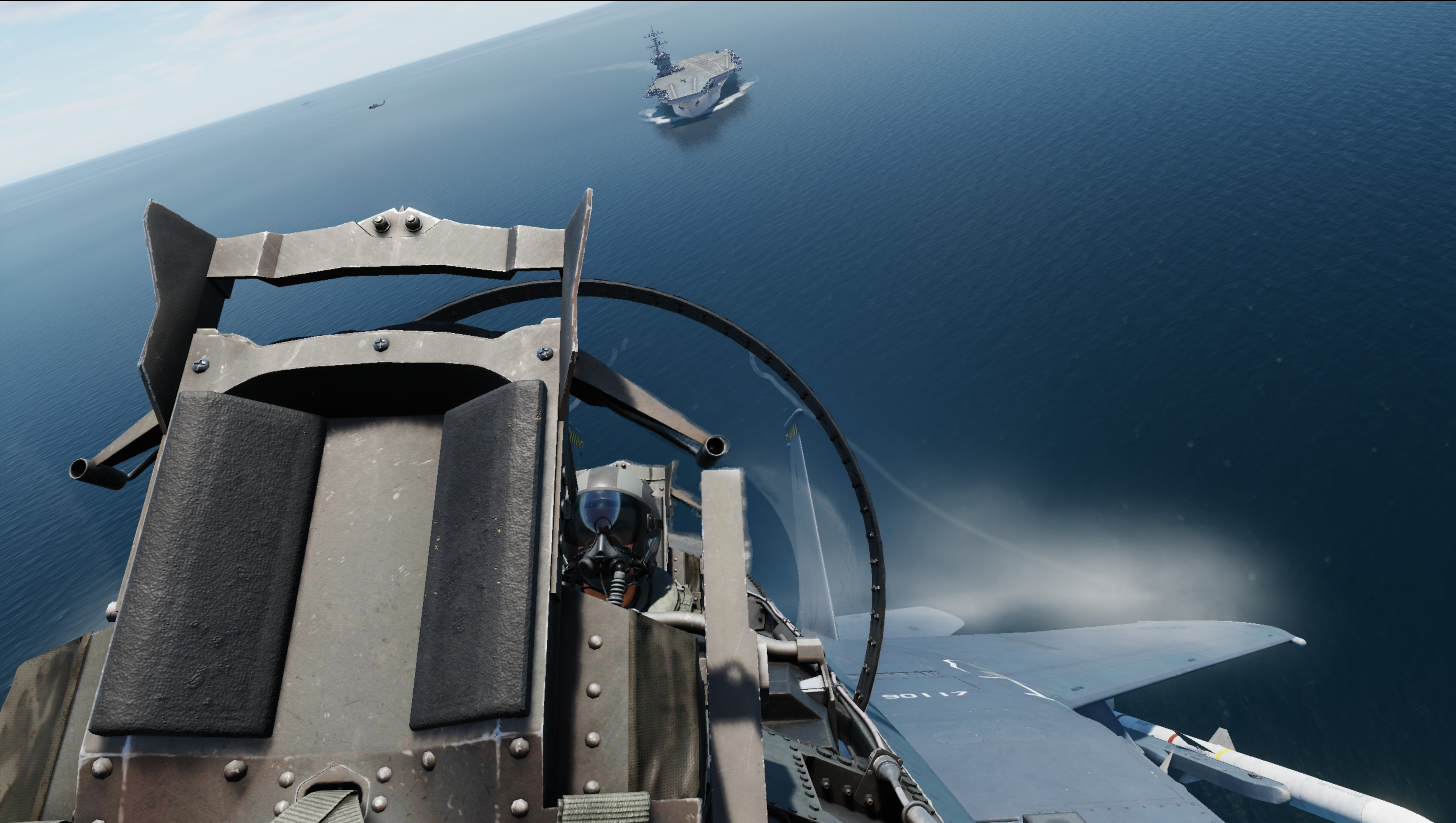
I notice there's a graphics bug on the new S-3 (in the Caucasus), the "Refuel, <something> Recover" mission, I'm guessing this has to do with the new 3D models, and nothing to do with you at all, but I'll toss it out here anyway. nullnull
-
It's way too heavy to be easily situated on your lap and try and fly. Would these work, (they worked for me)? https://a.co/d/76OASg0
-
Try this line, and you may need to run the batch as admin, so try both ways. Put this in the batch: start "" /b "X:\Users\Hrvoj\AppData\Local\Programs\SimAppPro\SimAppPro.exe"
-
I don't think so, I believe you can only add smoke pods on 8A and 1A, but you do have various colour options (blue, green, orange, red, white, yellow).
-
I seem to recall reading that they were quickly welded closed by most units, they created more work than the advantages they provided.
-
Just the export.lua. It's the only one that's got those lines in it.
-
On my system, the export.lua path is c:\users\[username_here]\Saved Games\ DCS.openbeta\Scripts\export.lua So, inside the tree of your saved games folder And the 2 lines you're looking to move to the end are: local wwtlfs=require('lfs') dofile(wwtlfs.writedir()..'Scripts/wwt/wwtExport.lua') *Always make a backup before following instructions from some internet rando!
-
I'll be home in about 5 hrs, will update you if someone else doesn't come along before I get back (don't wanna give you the wrong path from memory).
-
I've found that unless I move the Winwing lines in the export.lua file to the end, Simapp doesn't seem to be able to talk to DCS, regardless of the Simapp setting to do so (I'm assuming you've already told it to sync with DCS via that Simapp setting). Once I did that, I was able to sync my throttle lighting to in-game, and the downloaded profiles for the shaker started working for me. (there's also an option in SimApp to turn off the editing of the LUA file, which you should do once it's working, otherwise, every time you start up SimApp, it puts the Winwing lines at the top again, and then it doesn't work again.)
-
WinWing - quality issues and terrible customer service experience
Despayre replied to CalypteAviation's topic in Winwing
That story isn't great, however... That looks like it might be easily fixed in 1 of 3 ways pretty quickly/easily: 1) You could slide up your idle detent to cover that gap, and adjust your throttle throw appropriately (I'm not crazy about reducing the throttle track, but it'd work). 2) You might even be able to crazy glue that, looks like it separated at a seam in the plastic, pretty clean break. 3) You can likely find the files, and have someone local 3D print you a replacement, probably cost you 10 bucks. I get that the thrust of this post wasn't about possible solutions, and more about how unimpressed you are with Winwing's responses, and that's reasonably valid, but at the end of the day, this still looks like a pretty minor fix that I don't know I would have called Winwing for in the first place (except to maybe call and ask how much for that specific rail to be mailed to me, and yes, $25.00 feels like a bit of a gouge, agreed). -
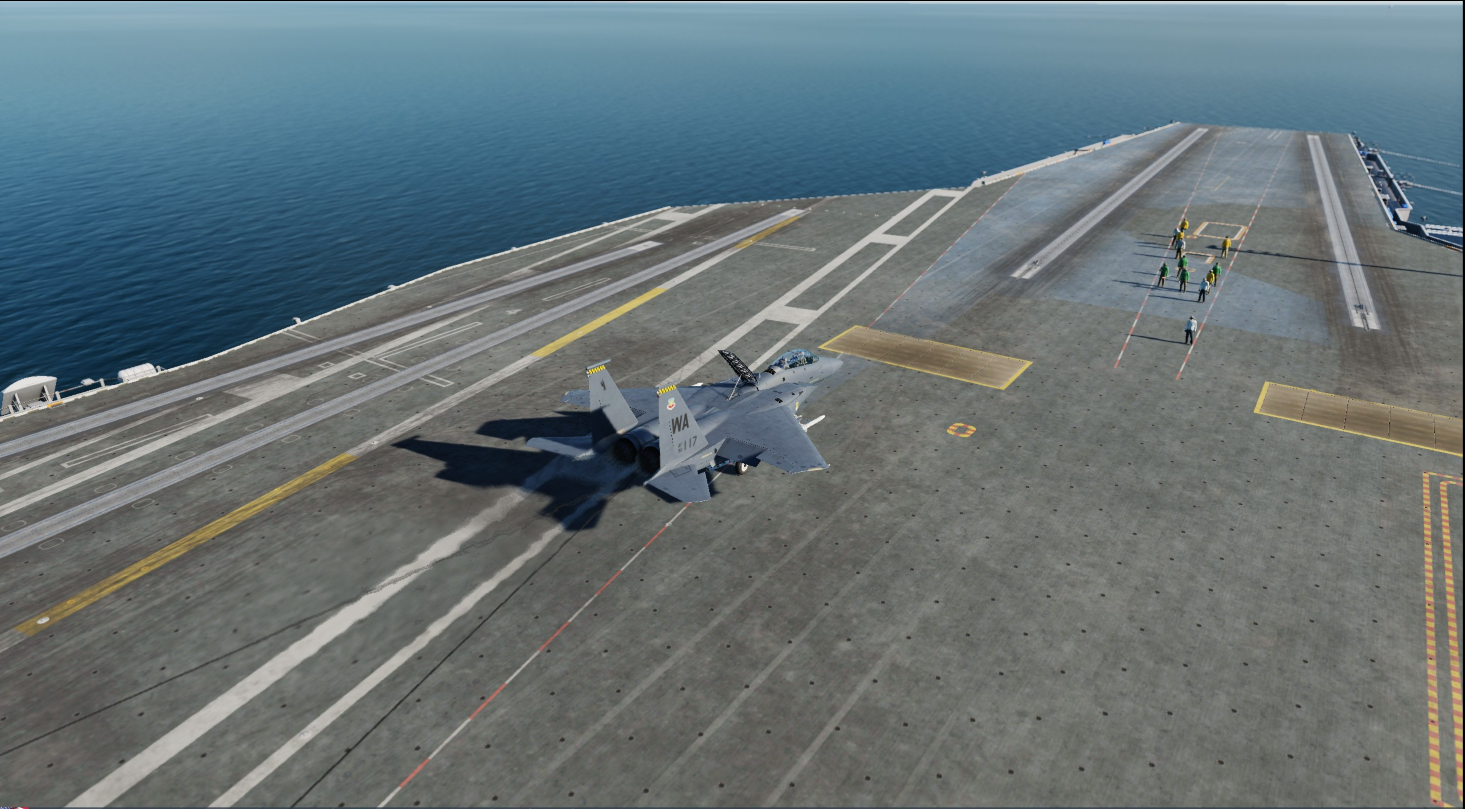
I've landed, and taken off from the carrier. I wouldn't call it carrier "compatible", so much as carrier-possible. nullnull
-
[Official] SimShaker for Aviators
Despayre replied to f4l0's topic in PC Hardware and Related Software
I still run mine from the original .openbeta folder, and everything works fine. I am completely up to date. -
Asymmetric Loadout and Trim Characteristics.
Despayre replied to JupiterJoe's topic in Bugs and Problems
Can you give us a specific loadout you're having trouble with? I haven't noticed that problem myself. -
SSD Samsung 860 pro vs M2 Samsung pro 990
Despayre replied to ivo's topic in PC Hardware and Related Software
Nicely summed up. In short, yes, loading time could be shortened, and that's about it for benefits, but really, it's a bottleneck issue (as it always is with PC's), and I'm not sure I'd buy a new drive to get loading times down from 2 mins to even 1 minute, a couple times a day, rather than put that money aside and start my "gaming PC fund" instead. In real life terms, that extra minute feels a little pricey for a short-term fix (unless you meant it's 2 mins to load into missions [not the game itself], then, maaaybe), but given the vast majority of time in DCS is actually flying, and as noted above, this will do nothing for your FPS, I'm not sure the juice is worth the squeeze, so to speak. -
[Resolved] Jester does not perform LANTIRN commands
Despayre replied to Tomcatter87's topic in Bugs and Problems
Did not work for me, tried that, all GBU's. When getting in the plane, the laser code is always set to "4294967295"until I open the re-arming menu on the ground and reset all codes to 1688 in-mission.