Moezilla
-
Posts
104 -
Joined
-
Last visited
Content Type
Profiles
Forums
Events
Everything posted by Moezilla
-
 [Player1] C:\Program Files\Eagle Dynamics\DCS World OpenBeta\bin\Effects.dll # C0000005 ACCESS_VIOLATION at 00007ff9e32321db 00:00000000 ... 0x00000000000421db (Effects): Effects::ODCSParticleSystem2Proxy::updateGraphicReflection + 0x33B 0x000000000003dfb2 (Effects): Effects::loadShipWakeConfig + 0x24C2 0x000000000003e7de (Effects): Effects::loadShipWakeConfig + 0x2CEE [Player2] C:\Program Files\Eagle Dynamics\DCS World\bin-mt\Effects.dll # C0000005 ACCESS_VIOLATION at 00007ff8d83b21db 00:00000000 ... 0x00000000000421db (Effects): Effects::ODCSParticleSystem2Proxy::updateGraphicReflection + 0x33B 0x000000000003dfb2 (Effects): Effects::loadShipWakeConfig + 0x24C2 0x000000000003e7de (Effects): Effects::loadShipWakeConfig + 0x2CEE =================================================================================================== [Player1] C:\Program Files\Eagle Dynamics\DCS World OpenBeta\bin\edCore.dll # C0000005 ACCESS_VIOLATION at 00007ff91d215522 00:00000000 ... 0x0000000000025522 (edCore): b2DynamicTree::RemoveLeaf + 0xC2 0x0000000000024ea9 (edCore): b2DynamicTree::MoveProxy + 0xC9 0x000000000003deda (Effects): Effects::loadShipWakeConfig + 0x23EA 0x000000000003e7de (Effects): Effects::loadShipWakeConfig + 0x2CEE [Player2] C:\Program Files\Eagle Dynamics\DCS World\bin-mt\edCore.dll # C0000005 ACCESS_VIOLATION at 00007ffd4ade5522 00:00000000 ... 0x0000000000025522 (edCore): b2DynamicTree::RemoveLeaf + 0xC2 0x0000000000024ea9 (edCore): b2DynamicTree::MoveProxy + 0xC9 0x000000000003deda (Effects): Effects::loadShipWakeConfig + 0x23EA 0x000000000003e7de (Effects): Effects::loadShipWakeConfig + 0x2CEE [Player3] E:\DCS World\bin\edCore.dll # C0000005 ACCESS_VIOLATION at 00007ff9760e5522 00:00000000 ... 0x0000000000025522 (edCore): b2DynamicTree::RemoveLeaf + 0xC2 0x0000000000024ea9 (edCore): b2DynamicTree::MoveProxy + 0xC9 0x000000000003deda (Effects): Effects::loadShipWakeConfig + 0x23EA 0x000000000003e7de (Effects): Effects::loadShipWakeConfig + 0x2CEE Update: I have collected crash details for 3 different players who are experiencing the Effects.dll (2 out of 3 players) and edCore.dll crashes (all 3 players). The crash traces appear to have the same signature for all players. Below are the specs of the players and the settings from the graphics config reported in their logs that are shared across all three players. Hopefully the team have had enough reports through the crash report tool to have begun to find the source of these crashes. Specs: [Player1] AMD Ryzen 7 9800X3D Nvidia 3080 (572.83) 64GB RAM Windows 11 [Player2] AMD Ryzen 7 5700X Nvidia 3070 (576.40) 64GB RAM Windows 11 [Player3] AMD Ryzen 5 7600 Nvidia 3060 (576.28) 32GB RAM Windows 10 Graphics settings in common across all three players: { ['lights'] = 2; ['canopyReflections'] = 1; ['useDeferredShading'] = 1; ['textures'] = 2; ['cockpitGI'] = 1; ['terrainTextures'] = 'max'; ['shadows'] = 4; ['sceneryDetailsFactor'] = 1; ['effects'] = 3; };
 -
Issue still persists with OP's test mission in DCS 2.9.17.11733. Has there been any progress on the investigation into this issue?
-
Hi @BIGNEWY, Could you check if the database that is fed by the DCS crash reporting tool has picked up these two crashes since the 2.9.17.117333 (Corsair+Essex+MarianasWW2) update? If it has, is there progress on finding a cause and fix? # -------------- 20250623-053429 -------------- DCS/2.9.17.11733 (x86_64; MT; Windows NT 10.0.26100) C:\Program Files\Eagle Dynamics\DCS World\bin\Effects.dll # C0000005 ACCESS_VIOLATION at 00007ff8d83b21db 00:00000000 SymInit: Symbol-SearchPath: 'C:\Program Files\Eagle Dynamics\DCS World\bin;', symOptions: 532, UserName: 'user' OS-Version: 10.0.26100 () 0x100-0x1 0x00000000000421db (Effects): Effects::ODCSParticleSystem2Proxy::updateGraphicReflection + 0x33B 0x000000000003dfb2 (Effects): Effects::loadShipWakeConfig + 0x24C2 0x000000000003e7de (Effects): Effects::loadShipWakeConfig + 0x2CEE 0x0000000000168fbf (Visualizer): smSceneManager::DestroySceneManager + 0x1136F 0x000000000016f79b (Visualizer): smSceneManager::regLua + 0x5DDB 0x000000000015444c (Visualizer): smCamera_Implement::getClipRegion + 0x1C17C 0x000000000013e4cc (Visualizer): smCamera_Implement::getClipRegion + 0x61FC 0x0000000000158ce2 (Visualizer): smSceneManager::DestroySceneManager + 0x1092 0x00000000000337b1 (edCore): ed::thread::_get_current_thread_id + 0x71 0x00000000000037b0 (ucrtbase): wcsrchr + 0x150 0x000000000002e8d7 (KERNEL32): BaseThreadInitThunk + 0x17 # -------------- 20250622-022701 -------------- DCS/2.9.17.11733 (x86_64; MT; Windows NT 10.0.26100) C:\Program Files\Eagle Dynamics\DCS World\bin\edCore.dll # C0000005 ACCESS_VIOLATION at 00007ffd4ade5522 00:00000000 SymInit: Symbol-SearchPath: 'C:\Program Files\Eagle Dynamics\DCS World\bin;', symOptions: 532, UserName: 'user' OS-Version: 10.0.26100 () 0x100-0x1 0x0000000000025522 (edCore): b2DynamicTree::RemoveLeaf + 0xC2 0x0000000000024ea9 (edCore): b2DynamicTree::MoveProxy + 0xC9 0x000000000003deda (Effects): Effects::loadShipWakeConfig + 0x23EA 0x000000000003e7de (Effects): Effects::loadShipWakeConfig + 0x2CEE 0x0000000000168fbf (Visualizer): smSceneManager::DestroySceneManager + 0x1136F 0x000000000016f79b (Visualizer): smSceneManager::regLua + 0x5DDB 0x000000000015444c (Visualizer): smCamera_Implement::getClipRegion + 0x1C17C 0x000000000013e4cc (Visualizer): smCamera_Implement::getClipRegion + 0x61FC 0x0000000000158ce2 (Visualizer): smSceneManager::DestroySceneManager + 0x1092 0x00000000000337b1 (edCore): ed::thread::_get_current_thread_id + 0x71 0x00000000000037b0 (ucrtbase): wcsrchr + 0x150 0x000000000002e8d7 (KERNEL32): BaseThreadInitThunk + 0x17
-
According to the log from June 14, you have parked cores and are running Windows 10. The specs of your CPU indicate 6 P-Cores and 8 E-cores. I would guess that your freezes relate to work being passed to E-cores by the Windows 10 core scheduler, which is known to do this with hybrid CPUs. There are several ways to "unpark" your cores, but I used a free utility called ParkControl to turn off core parking for the power plan in use. If an upgrade to Windows 11 is possible, this will also help with general issues with core scheduling. Good luck.
-
ED are aware and working on it

-
@BIGNEWY has the investigation come up with any findings on this issue yet?
-
The error message seems to refer to an issue relating to temporary files. If you have plenty of space on your drive(s) then another possible cause would be a permissions issue. Is it possible that you installed DCS, or parts of it, as administrator and are running it as a regular user now? This can lead to some weird behaviours.
-
@BIGNEWY has there been any update on the internal investigation into this issue?
-
@Oberst Struppi there may be an issue with AI pathfinding on the GermanyCW map.
- 11 replies
-
- 1
-

-
- lag spikes
- lag
- (and 1 more)
-
fixed Sea Wise Giant dynamic slots are unavailable due no free parking slots
Moezilla replied to Chesster's topic in General Bugs
@Flappie I did a quick test with the miz files I had attached above in the thread and the issue I had seen seems to be fixed. Thanks. -
Update the DLSS preset used by DCS to remove ghosting
Moezilla replied to sleighzy's topic in General Bugs
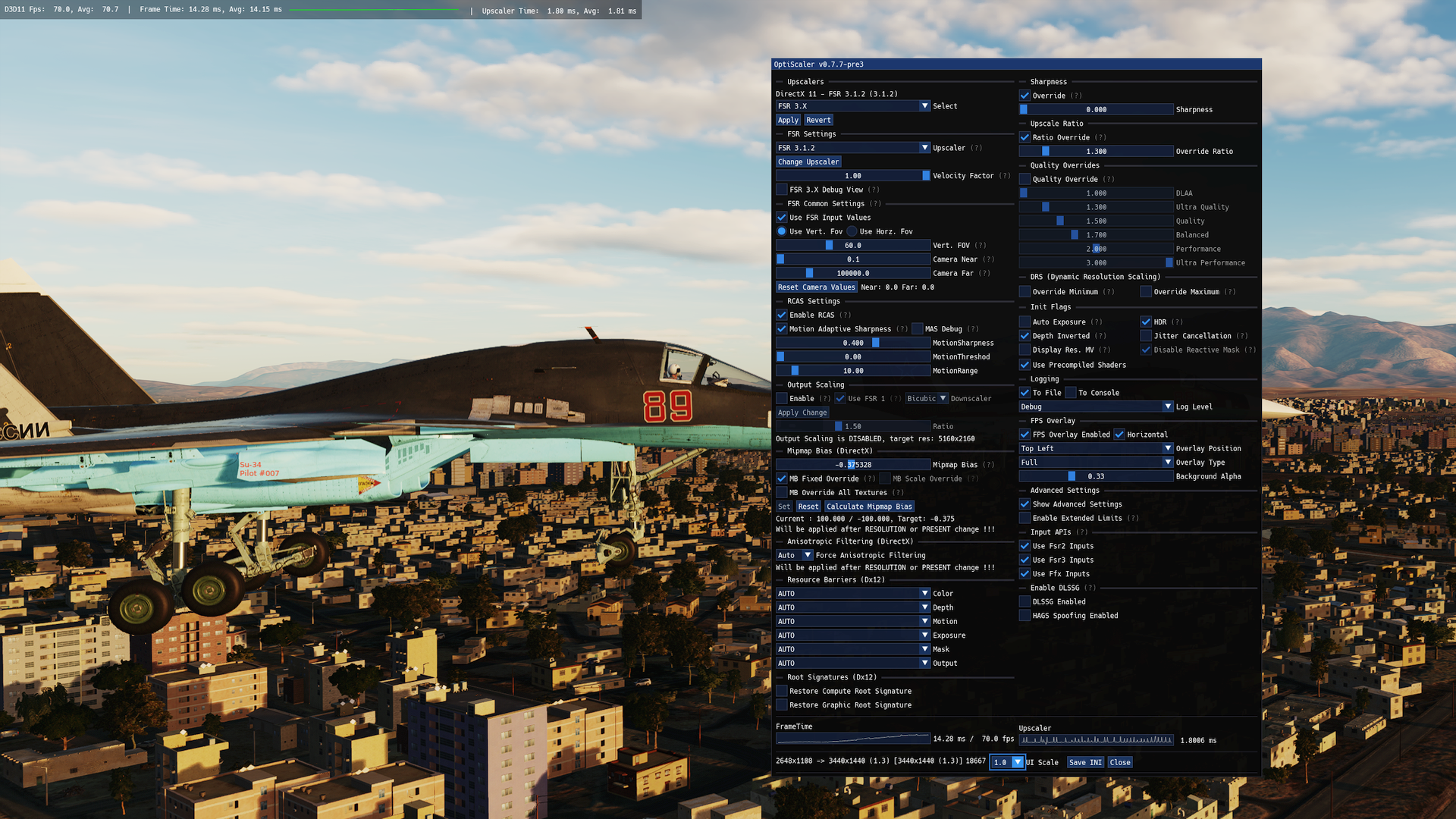
With Optiscaler you can re-route DLSS calls to FSR 2 or 3 on non-nvidia GPUs (I have an AMD card) even in DX11. I haven't tested it in every scenario but it works as a proof-of-concept.
-
Thanks for taking the time to nail down the conditions to reproduce the dot limit. I hope ED will take steps in the very near future to address this issue, which has been raised before, but now, thanks to @MoleUK, has tracks and a solid set of conditions to show it in action.
-
Yeah, the OF412 is too weak, and too fast. The L118, as a howitzer, needs a dual purpose direct/indirect round, so currently, the 122mm ammunition from the 2S1 is probably the best compromise, even though it's slightly too powerful. Ideally, ED would add the UK L31A1 105mm shell, and the US M1 105mm to their arsenal, so that the ranks of NATO artillery pieces could be filled out to cover the Cold War period. M101, M102 and M119 would bridge the gap from WW2-early 2010s for the US and other operators.
-
fixed Sea Wise Giant dynamic slots are unavailable due no free parking slots
Moezilla replied to Chesster's topic in General Bugs
Just noticed that I had client tracks turned off. Here's another run with the same miz. dcs._client.log dcs.log server-20241008-130454.trk swg_caucasus_dynspawntest-20241008-130625.trk -
fixed Sea Wise Giant dynamic slots are unavailable due no free parking slots
Moezilla replied to Chesster's topic in General Bugs
@Flappie @BIGNEWY Here's the mission, logs, and tracks from both client, and dedicated server. This track features the Seawise Giant tanker, but it also affects carriers and the Oil Rig with helipad. Using these objects as dynamic spawns results in the parking spot not releasing properly if the aircraft is destroyed, preventing further spawns until the mission is restarted. dcs_client.log dcs_server.log server-20241008-124632.trk swg_caucasus_dynspawntest-20241008-124732.trk swg_caucasus_dynspawntest.miz -
fixed Sea Wise Giant dynamic slots are unavailable due no free parking slots
Moezilla replied to Chesster's topic in General Bugs
You are right. Sorry for getting your hopes up. In my first test I took off with the Huey and landed on land, then it allowed me to respawn on the SWG. But this time I threw the Huey in the sea and it would not let me respawn. I'll make a track and grab a log. -
fixed Sea Wise Giant dynamic slots are unavailable due no free parking slots
Moezilla replied to Chesster's topic in General Bugs
@Chesster @shaji I checked the SWG and CVN-71 in 2.9.8.1214 and they seem to be working as expected now. Can you confirm? @Flappie the ARA Veinticinco de Mayo seems to still be showing this bug when placed as a dynamic spawn. You can spawn 3 times in a dedicated server (4 times in a local server for some reason) and then you get a "YOUR FLIGHT IS DELAYED TO START, PLEASE WAIT" message in the top right of the screen, after that if you try to select role again the spawn/parking slots message comes up, then you can no longer spawn there until mission restart. Test mission attached. vdm_caucasus_dynspawntest.miz -
reported Takeoff doesn't triggers 'takeoff' event
Moezilla replied to MadMax1234's topic in Mission Editor Bugs
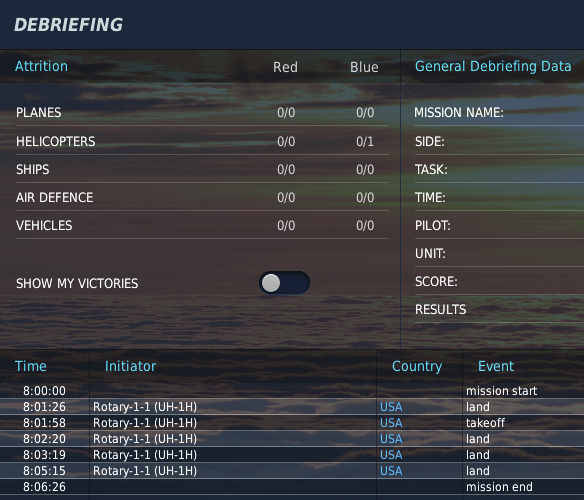
OP's track still showing the same events in the debrief. Do tracks store and replay the previously fired events, or do they fire fresh events based on the stored actions in the .trk?
-
Steam: 2.9.8.1214+ FPS performance issue
Moezilla replied to scommander2's topic in Game Performance Bugs
Since DCS version 2.9.8.1107 both executables should be the same, just on different paths. Maybe something is profiling the executables differently? Some people put the entire DCS installation folder and the folder in Saved Games into the exclusion list for Windows Defender (and any other AV solution) to prevent real-time scanning from eating CPU cycles. Also you could go to Settings -> System -> Display -> Graphics and add both DCS paths to the custom app settings with high performance ON. I see you are also running borderless fullscreen, so it could also be worth trying the Optimisations for windowed games setting in Settings -> System -> Display -> Graphics -> Default graphics settings to see if it helps improve any input lag. With Vsync ON it might be worth trying fullscreen mode in DCS, just as a test, and also using the nvidia CP to experiment with the low-latency mode there. Good luck, getting DCS into a sweet spot can take some tweaking, but it can run well. -
Steam: 2.9.8.1214+ FPS performance issue
Moezilla replied to scommander2's topic in Game Performance Bugs
Some things you could try: - disable hotplug devices in control settings, there are hotplug events in your log, including from your audio devices. - google how to turn off the power-saving features on your USB ports to prevent windows power management from putting them into low-power mode. - you have parked cores according to the log, you could try unparking them. there are free tools available online like Parkcontrol that can do this. I understand that DCS ran well before this time but it could be that some normal Windows/Dell updates have made some changes that may also have impacted how well DCS runs. -
One thing that sticks out is that your motherboard BIOS is 5 years old and there have been 15 full releases, and a beta from less than a month ago, since your installed version. Apart from CPU microcode optimisations, power management improvements, and better device compatibility, there have been 5 security issues patched that may or may not fall inside your use cases. In Windows, it's probably worth doing some standard stuff if you haven't checked on them in a while: Windows Update, install latest AMD chipset drivers, ensure game mode and game bar are disabled.
-
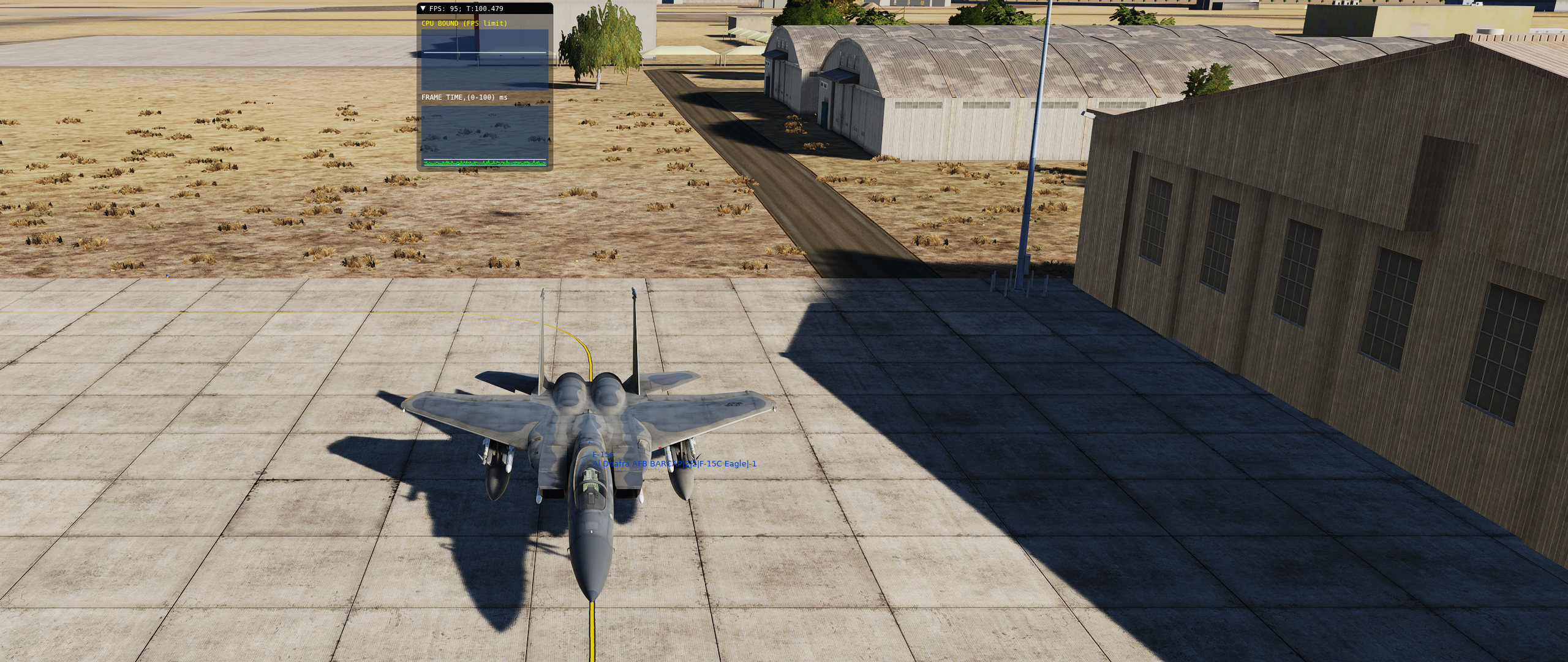
Tested @tmz's scenic-bench in 2.9.8.1107 and it shows performance has returned to around 2.9.5 levels. I'm capped at 95fps on the carrier in the Hornet, or looking at the F-15 in the screenshot. I waited for, and watched, the scud strike on Khasab, and performance held up well for me. Hopefully it's the same for others. 2.9.8.1107
-
Hitching and Stuttering = Max FPS set too high
Moezilla replied to Mr_Blastman's topic in Game Performance Bugs
You are right that if you ask the CPU and GPU to work flat-out to deliver as many frames as possible there can be moments where the CPU gets a spike in demand that causes the GPU to wait, and then the GPU load drops, and FPS follows. It is better in general to cap the FPS at a level where your CPU has a small amount of headroom to absorb the smaller load spikes. There's nothing much that can be done if the mission spawns 10 moving columns right under you or a huge cruise missile strike lands. But something to check since you mentioned you haven't played DCS for 10 months, there is an issue with high-polling rate setting in mouse software. Until the issue is fixed the polling rate should be set to 500Hz or lower. The symptom of the issue is, as you described, looking around causing hitching. -
It is a reported issue that I'm told has been fixed in an internal build, so it should make it into the next patch.
-
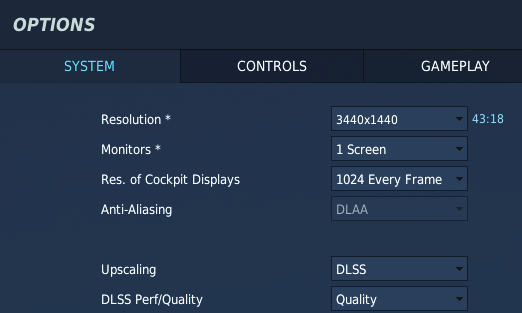
I'm not sure. I tried the FSR option when it first released and didn't like the TAA, so went back to MSAA.