Phantom711
-
Posts
1293 -
Joined
-
Last visited
Content Type
Profiles
Forums
Events
Everything posted by Phantom711
-

-
No. It is in fact the opposite. Without spotting dots, it‘s not equal for everyone and people with higher res monitors or VR headsets would actually be at a disadvantage here. That‘s the whole reason they introduced the system in the first place.
-
Offset area aim point for jdam gbu31 in Pre mode
Phantom711 replied to snak's topic in DCS: F-16C Viper
EDIT: Deleted. I was in the wrong aircraft subforum… -
Hast Du auch VAICOM dazu? Um irgendwelche Dinge im Cockpit zu bedienen, hab ich das nie benutzt, aber man kann es eben auch für die Funksprüche nutzen. Zum Beispiel um am Tanker „Ready pre-contact“ zu sagen…etc…
-
@Cupra Soweit ich jetzt nochmal nachgelesen hatte, kalibriert man erst zwischen IDLE und MAX AB und danach nochmal zwischen IDLE und MIL (also bis zum Anschlag des AB detent). Hilft das?
-
VR Modus , Maus kann nicht in die untere rechte Ecken des Bildschirms
Phantom711 replied to hubertf76's topic in Deutsch
Ich würde eher sagen, dass auf dem 2D-Bildschirm unten rechts irgendein kleines Fenster auf geht. Also z.B. irgendein Fenster vom Antivirus oder Werbung oder so. Wenn Du das schliesst, sollte das Problem behoben sein. mittelfristig einfach mal schauen, warum das Fenster auf geht oder einfach DCS im Fenstermodus etwas nach links schieben. -
It is part of the JHMCS of the F-16 and F/A-18 helmet. It has been added by ED just recently together with the option to raise or lower the tinted visor. Your Play for Dream probably shows more vertical FOV, that‘s why you did not see or notice it in the Q3. There are already some posts in the respective modules subforums where people state their dislike about it. I personally kind of noticed it but also „unsee“ it pretty quickly.
-
You mean JHMCS or the actual new visor feature? Because I had the same thought about that combination… So what I did, was to put „NVG toggle“ on the recce button in combination with a modifier.
-
Zumindest ChatGPT sagt ja. Praktisch alle Nutzer jenseits USN/USMC hatten wohl ILS, was ja auch Sinn ergibt.
-
@Schmied Was ist denn eine SLB? EDIT: Start-Landebahn? Also liegt der Marker auf dem falschen Flugplatz?
-
Ferraris exist and yet I don‘t have one. What I‘m trying to say is, that just because something is being offered by the manufacturer, doesn‘t mean it‘s being fielded by the military or at least not for everyone. The picture apparently shows a helicopter pilot. I don‘t know the particular system, but possibly the night vision on that one is being portrayed on that monocle, so a clear visor for night ops makes sense. If the general understanding in the F-16 and F/A-18 is, that JHMCS is only for daylight ops and NVGs for nighttime, then there is no need for a clear JHMCS visor. I might still be wrong though.
-
No visuals in my Quest pro after DCS update
Phantom711 replied to Digitalvole's topic in Virtual Reality
No worries. Glad you got it sorted out. -
No visuals in my Quest pro after DCS update
Phantom711 replied to Digitalvole's topic in Virtual Reality
Just to recheck on that: Have you turned on eye-tracking and Quad-Views in the DCS settings also? -
No visuals in my Quest pro after DCS update
Phantom711 replied to Digitalvole's topic in Virtual Reality
That‘s the one I was talking about as well…. -
No visuals in my Quest pro after DCS update
Phantom711 replied to Digitalvole's topic in Virtual Reality
Well…not an issue with QVFR really, but until recently it only worked with my Quest Pro when Eye-tracking was actually disabled in the DCS settings. It was counter-intuitive, but that‘s how it worked. Now last week I had to activate that option in order to have eye-tracking and hence QVFR working. Other than that I agree, that your issue might be the order of layers. There is an app called „XR Layer Manager“ or something like that. It will even recognize errors in the layer order by itself and offer a solution. -
@C0re Am Ende ist ja entscheidend, dass Du das Final mit dem korrekten AOA fliegst, daher bietet sich an, vor dem 180 im Geradeausflug den Trim nochmal zu überprüfen und ggf. nachzutrimmen. In der Kurve ist die Anzeige dann ja immer etwas off.
-
If you read carefully, you‘d realize, that I did not deny that there is a problem with how the HMD is displayed in the Q3. The reason I brought up the Quest Pro is because it had been mentioned previously as well (maybe by mistake). Also I was rather pointing out, that fixing it might not be as easy as someone suggested. I‘m not saying it should not get fixed at all.
-
@bak3dp0t4to I would not interpret too much into it. I would also argue that „just making it adjustable“ is not that easy. You really only want some of the HMD symbology to be adjustable. All the symbols that need to by on top of the outside world objects (i.e. flight members, target designation boxes etc) should remain where they are now. And all of a sudden it‘s not „just“ a matter if sliding all HMD symbology up or down. The problem seems to be very specific to the Quest3 and maybe even among all Q3 users specific to how one wears the Q3. EDIT: BTW I am using a Quest Pro and it has never occurred to me, that the HMD symbology would be too high.
-
I‘m not an expert regarding base stations, but I recently bought the 1.0 base stations, because I thought I might want to get the BSB2e. Now I think I will just wait for the SLAM version of the Pimax Dream Air SE. Anyways, since I did some reading about setting up the base stations before…isn‘t there something like that they also need to be able to see each other? Sounds like this could be difficult, if you put them at 10 and 2 o‘clock. Maybe that was only for the 1.0 types and not the 2.0… Or you could also run a sync cable between them as far as I recall. But the setup recommendation for the 1.0s was definitely to have them at opposite sides of the room.
-
Does that function exist in the real jet?
-
This would be on Metas part to make it happen, not ED. I doubt, that DCS has access to the passthrough feature of Metas headsets. You need to step back and see the big picture here: how many people play in VR? How many of them have a headset that offers at least „good enough“ passthrough quality? How many of those have peripherals that are arranged in an almost replica-cockpit style that would make mixed reality even an option? You can get mixed reality working with virtual desktop and open kneeboard though. And also you can activate/deactivate passthrough by double-tapping on your headset if you just need the passthrough momentarily.
-
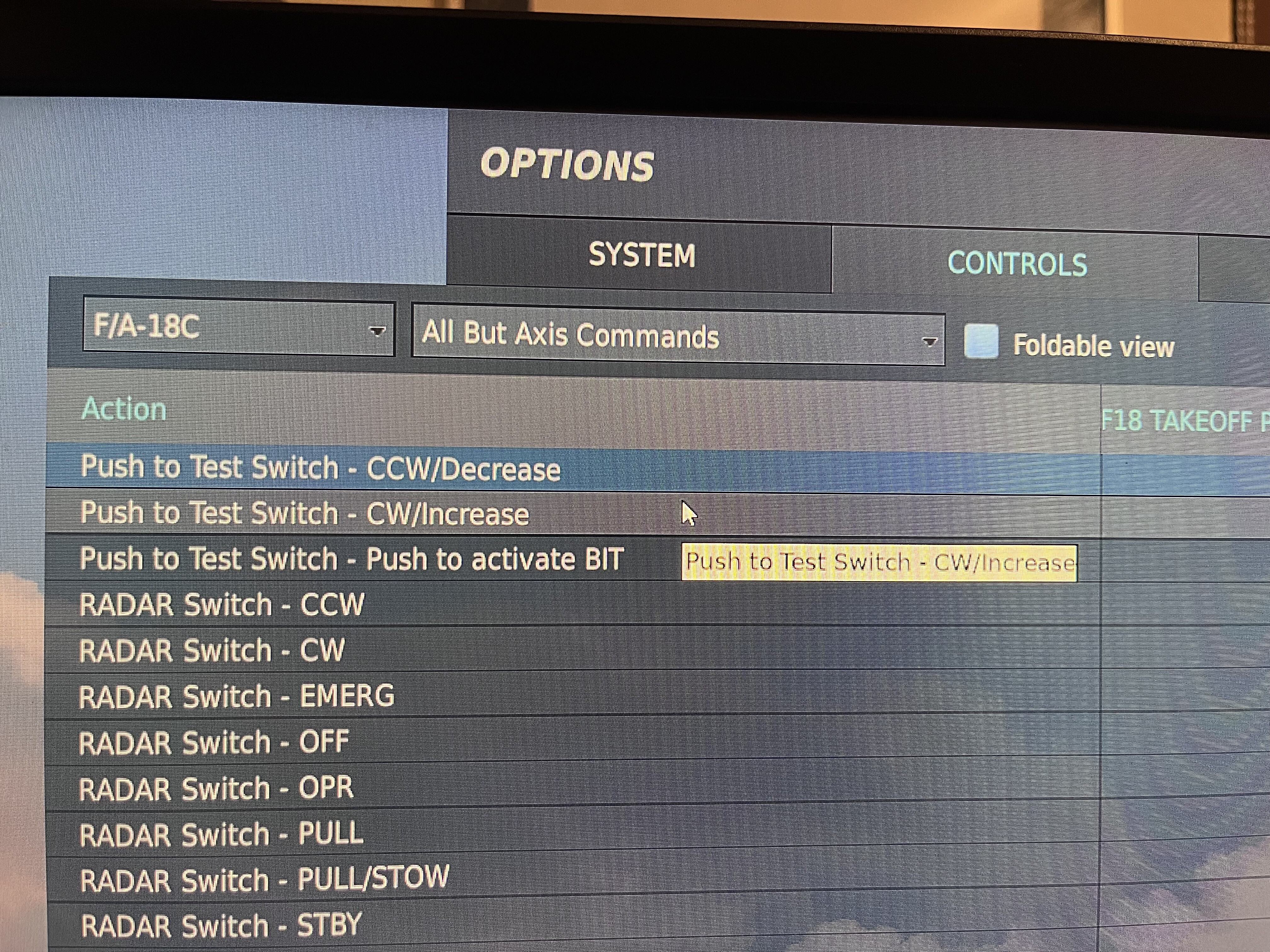
Also what I just tried, if you turn on „Tooltips“ in the game options, it shows you the name of a switch/button etc when you hover your mouse over it in the cockpit. The name seems to correspond to the name in the „controls“ options.
-
Problem is the naming convention. That‘s the one you are looking for. At least as a button that is…so it works on a rotary. As far as I can see, it does not exist as an axis though.
-
Sorry, but can‘t resist to follow up on this….and just out if curiosity. Why would this be the case? All Q3 can do passthrough. Or is that some requirement that comes with using Virtual Desktop and Open Kneeboard in order to get a Mixed Reality cockpit.
-
@QuiGon @VpR81 Dank Euch beiden für die Tipps. Dass ich mich mit meinem ISP in Verbindung setzen müsste, war mir auch schon bewusst. Ich werde das dennoch vorerst nicht weiter verfolgen, da ich es einfach nicht unbedingt brauche. Als Client bei meiner Virtual Squadron fliegen funktioniert auch ohne Probleme. Und ich hab Kabel von Kabel Deutschland/Vodafone…nur so als Info. Mein Post war nur als Anmerkung gedacht, dass es bei MP eventuell doch noch Hürden geben kann.