jackd
-
Posts
833 -
Joined
-
Last visited
Content Type
Profiles
Forums
Events
Everything posted by jackd
-
A year later, after installing 2.9 DCS.openbeta: p51 shaking madly when taking turns in cockpit view at normal speed Now where can you turn this off? It's very annoying ..
-
I just discovered this 'statictemplate' thing ..... copied a *.stm file with WW2 stuff, made on the Channel map, to my DCS.openbeta\StaticTemplate folder. Now i wanted to import this whole caboose to a NEW empty Normandy Map 2.0 mission but it seems impossible. Is such a template per definition only map related, in this case the channel map? ... Any tips ? Thnx. ADDED: I changed the line ["theatre"] = "The Channel" to ["theatre"] = "Normandy" with notepad++ in the *.stm file, and it worked ! Of course the locations are not right, but it might be useful anyhow. PS can you select or combine more than one differing item, like a group of Flak AAA and parked vehicles etc. some how and drag them together to a different location?
-
So any visuals would look more like a new BBC Ghosts series ....
-
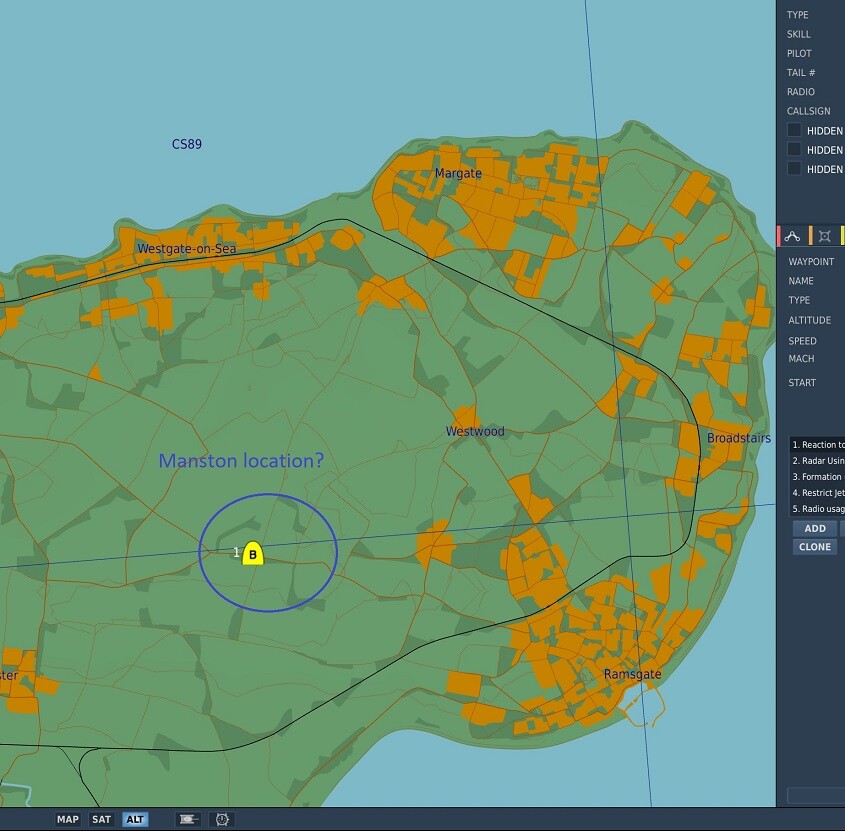
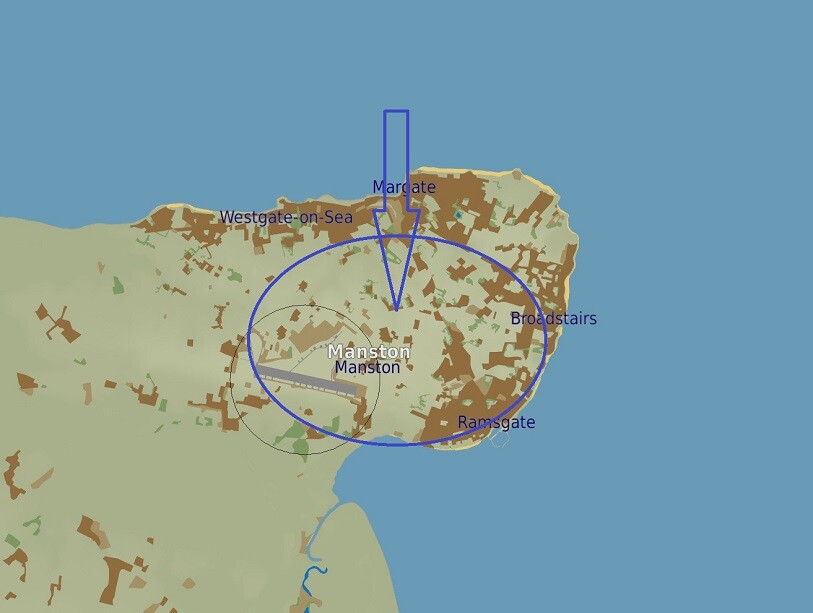
And now we are eagerly waiting for the newly announced airfields for seemingly more concrete strips like Manston and Biggin Hill on Normandy v2.0 ..
-
That sounds like cheating LoL. You'll be banned from MP servers definitely ..
-
i keep my fingers crossed for a ww2 map of Germany, including Berlin, some nice dams to burst (Lancaster player ?), maybe Peenemunde ...
-
any visuals yet on the looks of it?
-
Wow ! PS just updated, but are these items not released yet? Was looking for Manston and Biggin Hill f.e. and could not find them. It's on the Channel map however:

-
SUNTSAG - Lockdown Mods/Liveries Collection (New and Revised)
jackd replied to SUNTSAG's topic in DCS Modding
I will PM you a download link later, as it is Suntsag's work. I will give your version a try BTW, and in my entry.lua there's no value set. But the entry.lua line 'info' it says_("WW2 German V1 Launcher V3"). Also the zipped files date sayz 2017, and in the 1.3 version 2020. -
SUNTSAG - Lockdown Mods/Liveries Collection (New and Revised)
jackd replied to SUNTSAG's topic in DCS Modding
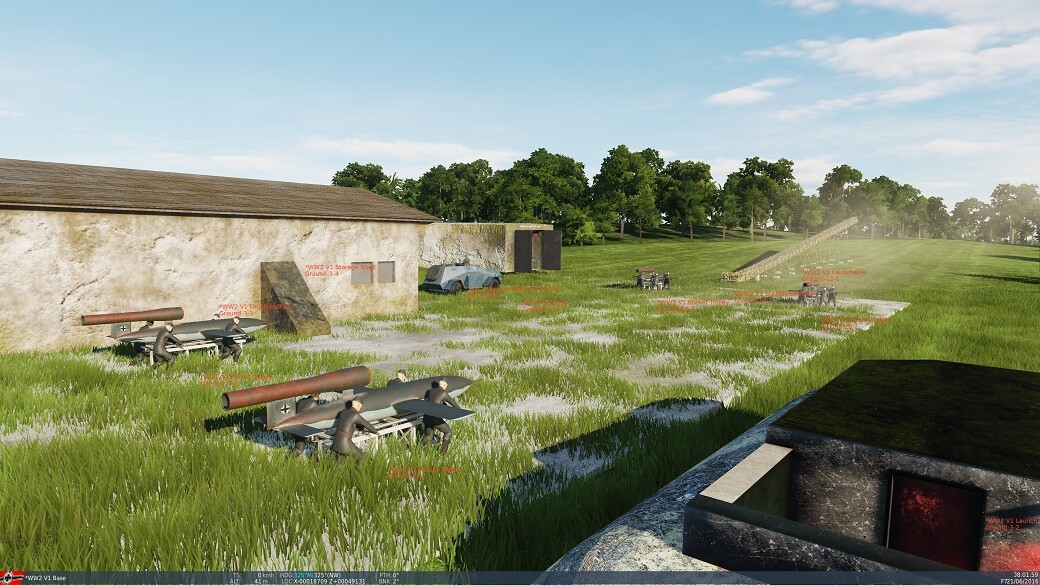
Been looking in to this, but found now way to set route waypoints and speed or heights like you can in IL2 Great Battles. You can set height at the fire point locator, but if set too high the V1 starts whopping up and down without hotting ground atc. That's IMO the old version, v1.0, and doesn't seem to work with game v 2.9. v1.3 is the latest i think. DOWNLOAD LINK V1 Version 1.3 ... https://drive.google.com/file/d/1H_XLsK1D0vAcLMOubzftEYQHlOlbRUSE/view?usp=sharing ADDED: the link is now dead since a week or so on october 4th 2023 ... -
I did, and that reset my options.lua 4k to a much higher pixel resolution now maybe. Only the in game fonts are very small again. But running DCS.exe from the bin-mt folder still staggers ...
-
V1 rocket launcher with game 2.9; any updates or mods for it?
jackd replied to jackd's topic in DCS: WWII Assets Pack
That's IMO the old version, v1.0, and doesn't seem to work with game v 2.9. v1.3 is the latest i think. DOWNLOAD LINK V1 Version 1.3 ... https://drive.google.com/file/d/1H_XLsK1D0vAcLMOubzftEYQHlOlbRUSE/view?usp=sharing ADDED: the link is now dead since a week or so on October 4th 2023 ... ------------------------------------------------------ the downloaded MIZ from ttiger looks great BTW: https://www.digitalcombatsimulator.com/en/files/3319343/
-
V1 rocket launcher with game 2.9; any updates or mods for it?
jackd replied to jackd's topic in DCS: WWII Assets Pack
i only have v 1.3, dunno if there's a later, and where to get it ... -
V1 rocket launcher with game 2.9; any updates or mods for it?
jackd replied to jackd's topic in DCS: WWII Assets Pack
-
V1 rocket launcher with game 2.9; any updates or mods for it?
jackd replied to jackd's topic in DCS: WWII Assets Pack
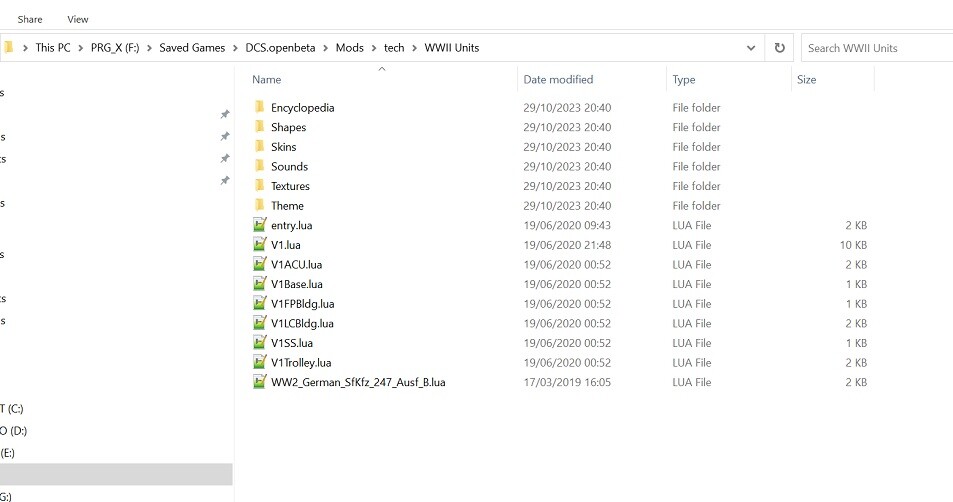
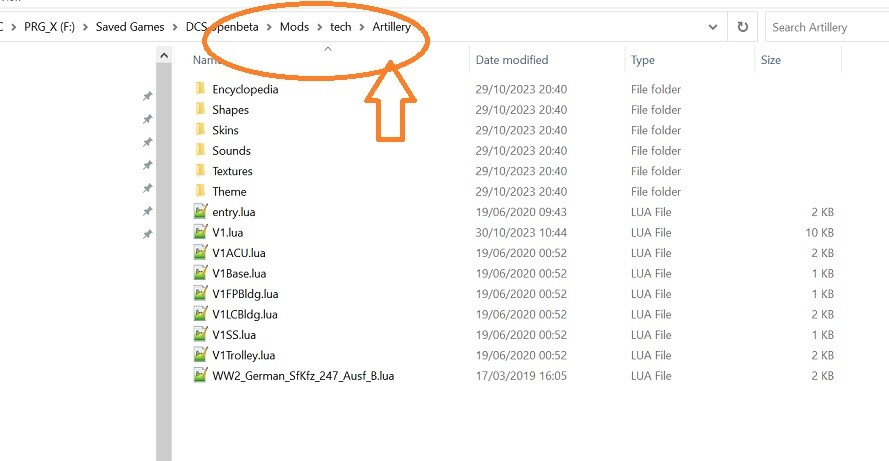
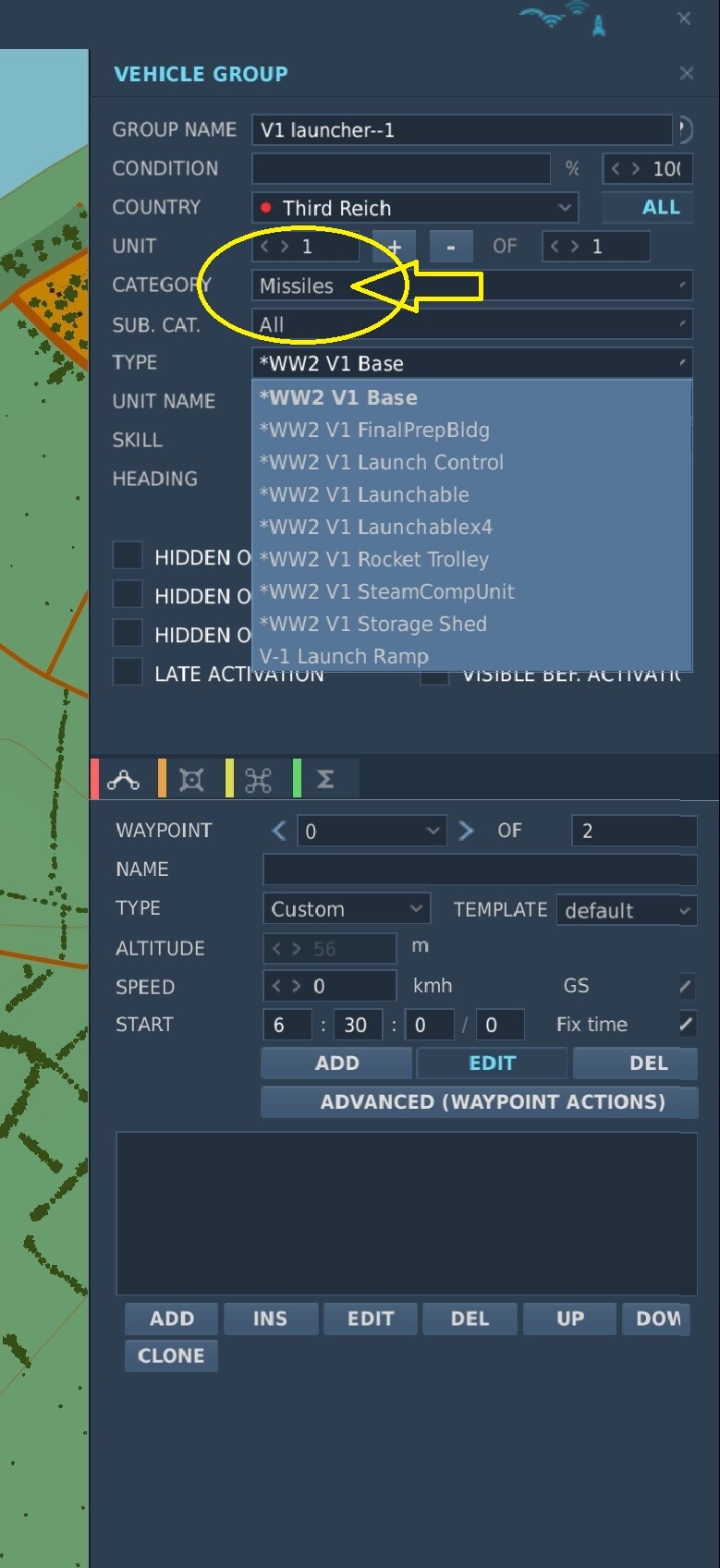
Thanks, it's in the saved games, but obviously in the wrong folder ... must have read the instructions wrong. But i still cant get it going, installed now here (in my via windows re-located SavedGames folder): ========================= ADDED: Created now a different folder in saved games, Artillery, and now they show under missiles: Guess even Einstein would have problems with DCS' file management LoL. ADDED 2, a mission where the V1 takes off with the 4x laucher, i cannor set proper height for the flights, aimed at Dover, but in Dover they wont attack the ground but warble above town. P51 set as player to watch the show and try to shoot sdown these too low flying buggers. V1_shooting_v1_jj.miz
-
V1 rocket launcher with game 2.9; any updates or mods for it?
jackd replied to jackd's topic in DCS: WWII Assets Pack
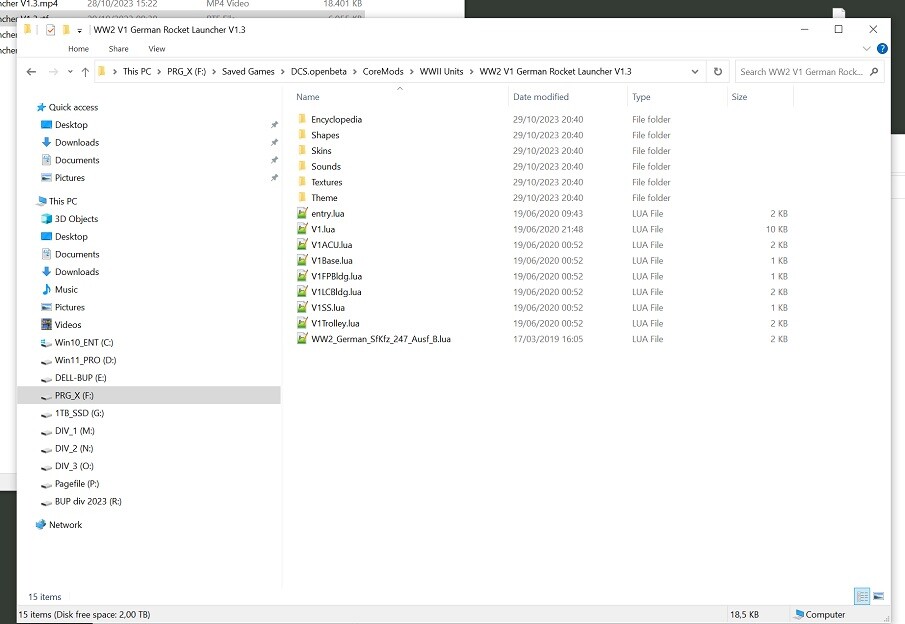
Installed it in my working SavedGames folder .... inside new subfolders CoreMods\WWII Units\WW2 V1 German Rocket Launcher V1.3. ---------------------------------------- Alas It does show up in the editor, according info it should show under Artillery; it does not seem to work with 2.9, or i must be doing something wrong.
-
https://en.wikipedia.org/wiki/Supermarine_Spitfire_variants:_specifications,_performance_and_armament#Dimensions,_performance_and_armament
-
Just found the Suntsag v1.3 Mod for the V1 rockets. I would like to use it for some wing-flip-it-over sports, like you can in IL2. Any news yet?
-
I don't need that, as there is a tool installed on my PC called TMFirmwareUpdater.exe in ProgramFiles\Guilermot\tmfwupdater\ Just ran it, updated both warthog units OK.
-
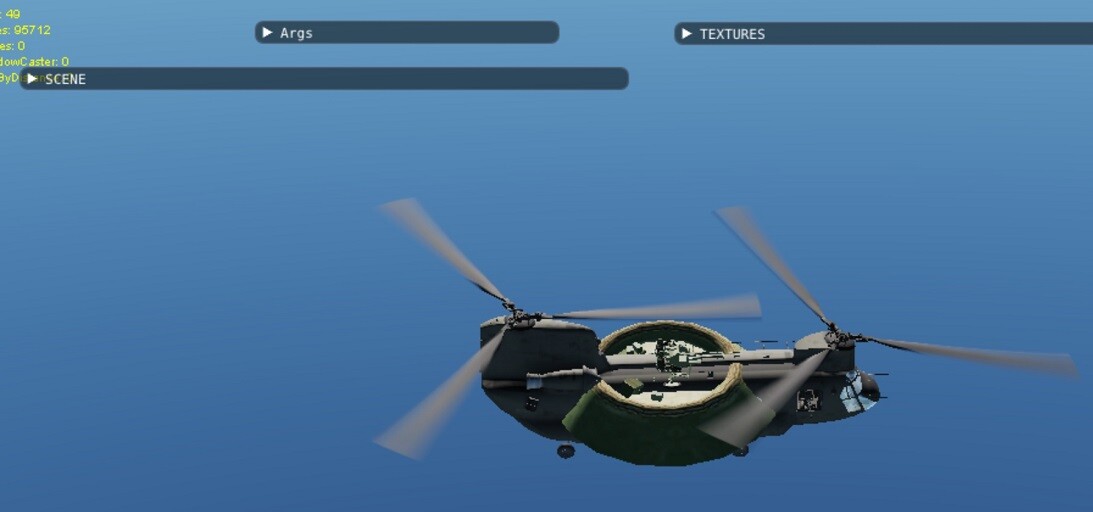
Hi i made some (ww2 plane) skins using the DCS ME to check 'em. Time consuming ... Now i tried this Modelviewer2.0, but how do you load a custom skin from my F:\Saved Games\DCS.openbeta\Liveries folder? Is there some manual for this tool? thnkx PS i tried a lot but i only found this UFO:
-
Spontaneous loss of options controls after system restart
jackd replied to DmitriKozlowsky's topic in General Bugs
Nope, this is due a relocation of your USB device ID numbers. Unplug the controllers hardware, and re-insert them (USB 2.0 ports preferred). Worked when i had this. You can use a tool to do it manually or just to check the IDs: JoyIDs.exe Use USB deview.exe to uninstall all obsolete usb drivers present can also be a great help. -
I only have a TdrWatch key .. let it be. Windows 10 LTSC, latest GPU drivers (NVIDIA 3080ti). CPU I9 12900K If i start DCS.exe v2.9 from the bin-mt folder, DCS starts, seems slow and staggering at first, but i can select DLSS. Starting a mission DCS crashes after loading it 2/3 through. Added the dcs.log file with the mt.lua inserted in the config folder. dcs.log PS a normal DCS start runs fine after removing the ... mt.lua from config.
-
Why cant you select DLSS? NVDIA 3080ti, latest driver, windows 10 LTSC updated.
-
I found the template made by Urbi somewhere on user downloads (DCS).